Choosing an integration tool gets complicated fast when the two options you're comparing weren't actually designed for the same job. Workato is a strong fit for large enterprise IT teams. Hotglue was built for SaaS teams shipping integrations directly to their customers. If you're trying to figure out which one belongs in your product, here's what the comparison actually looks like.
TLDR:
- Workato averages $64,543/year and targets enterprise IT teams, not SaaS product teams building customer-facing integrations
- Workato embeds via iFrame with a workflow-builder UI; your customers can tell they're in someone else's tool
- Hotglue prices on active tenants at $1,500-$2,500/month base, so costs scale with your customer count, not sync volume
- Hotglue supports on-premise connectors like QuickBooks Desktop and Sage 300 CRE, which most embedded iPaaS tools skip entirely
- Hotglue is an embedded iPaaS built for B2B SaaS teams, with a white-labeled JS widget, Python transformations, and open-source connectors
What Is Workato?
Workato is an enterprise automation tool built around "recipes": trigger-and-action workflows that connect apps and move data between them. Its primary audience is internal IT and operations teams at mid-to-large companies who need to automate processes across their tech stack without writing much code.
The product covers a wide range of use cases: HR automation, finance ops, sales ops, and IT service management. Workato has also launched an "Embedded" product aimed at SaaS vendors who want to offer integrations to their own customers. With over 1,200 connectors, it has broad coverage, though the average contract value sits around $64,543 per year, which signals who Workato is really selling to.
The core issue for SaaS product teams is that Workato's DNA is internal automation. Its Embedded offering sits on top of that foundation, not built from the ground up for customer-facing integrations. That distinction matters more than it might seem at first glance.
What Is Hotglue?
Hotglue is an embedded iPaaS built from the ground up for B2B SaaS product teams. The core job is simple: let your customers connect their own tools (QuickBooks, Salesforce, Shopify, NetSuite, and hundreds more) directly inside your product, without your engineering team having to build and maintain every pipeline from scratch.
Where Workato starts with internal automation and extends outward, hotglue started with the customer-facing integration problem and built everything around it. The widget embeds natively in your product. Auth, data sync, scheduling, and transformation all run in the background. Your users see a clean, white-labeled experience that looks like it was built by your team.
A few things that shape how hotglue works in practice:
- Pricing is per active tenant, not data volume, so your bill scales with your customer count, not your sync frequency
- Connectors are open-source (Singer and Airbyte YAML compatible), meaning no black-box lock-in
- Transformation runs in Python, giving engineers actual control over how data is shaped before it hits your backend
- The whole thing is SOC 2 Type II certified and never stores customer data, processing and delivering it directly to you
End-User Integration Experience
The integration experience your customers see is a product decision. If the UI looks foreign to your product, users notice, and they will absolutely mention it in your next NPS survey.

Workato's embedded offering gives end users a workflow builder interface that, as prospects who've tested it consistently describe, feels like "building a Zap" or a HubSpot workflow. Your customer is context-switching into a third-party tool experience instead of completing a task inside your product. Workato also embeds via iFrame, which adds to that bolted-on feel.
Hotglue takes the opposite approach. The Javascript widget loads natively inside your product's UI, fully white-labeled, so end users have no idea hotglue is running underneath. For vendors who want the integration to feel like a first-party feature, this is the difference that matters, and it's worth weighing alongside the offering Zapier alongside native integrations. Magic Links extend that same branded flow for users who need to authenticate outside the widget entirely, with no embed required, alongside support for bi-directional integrations.
For SaaS companies where the integration experience is part of what customers pay for, a workflow-builder layer that reminds users they're in someone else's tool creates friction at exactly the wrong moment.
Pricing Model and Cost Predictability
Workato's pricing is built around recipes and tasks. Each action executed inside a workflow counts as a task, and costs scale with automation volume. For a SaaS vendor whose customers run frequent syncs, that usage curve becomes hard to forecast. Pricing is not publicly listed, and third-party procurement data puts the average Workato contract at $64,543/year. That's an enterprise budget, not a mid-market one.
Hotglue prices on active tenants instead. Your billing unit is the number of connected customers in a rolling 30-day window, not how many records moved or how many jobs ran. The base license runs $1,500 to $2,500/month, with a per-tenant fee on top, and the model is designed to stay under 10% of your MRR. There's also a Startup plan for early-stage teams. The math works because integration cost scales with revenue, not sync frequency.
Connector Depth and Data Transformation
Workato's 1,200+ connectors cover a lot of ground, but the catalog is built around internal workflow automation. Transformation happens as a step inside the recipe builder, which works for simple field mapping but gets awkward fast when you need bulk historical syncs, stateful incremental pipelines, or complex multi-field deduplication across accounting records.
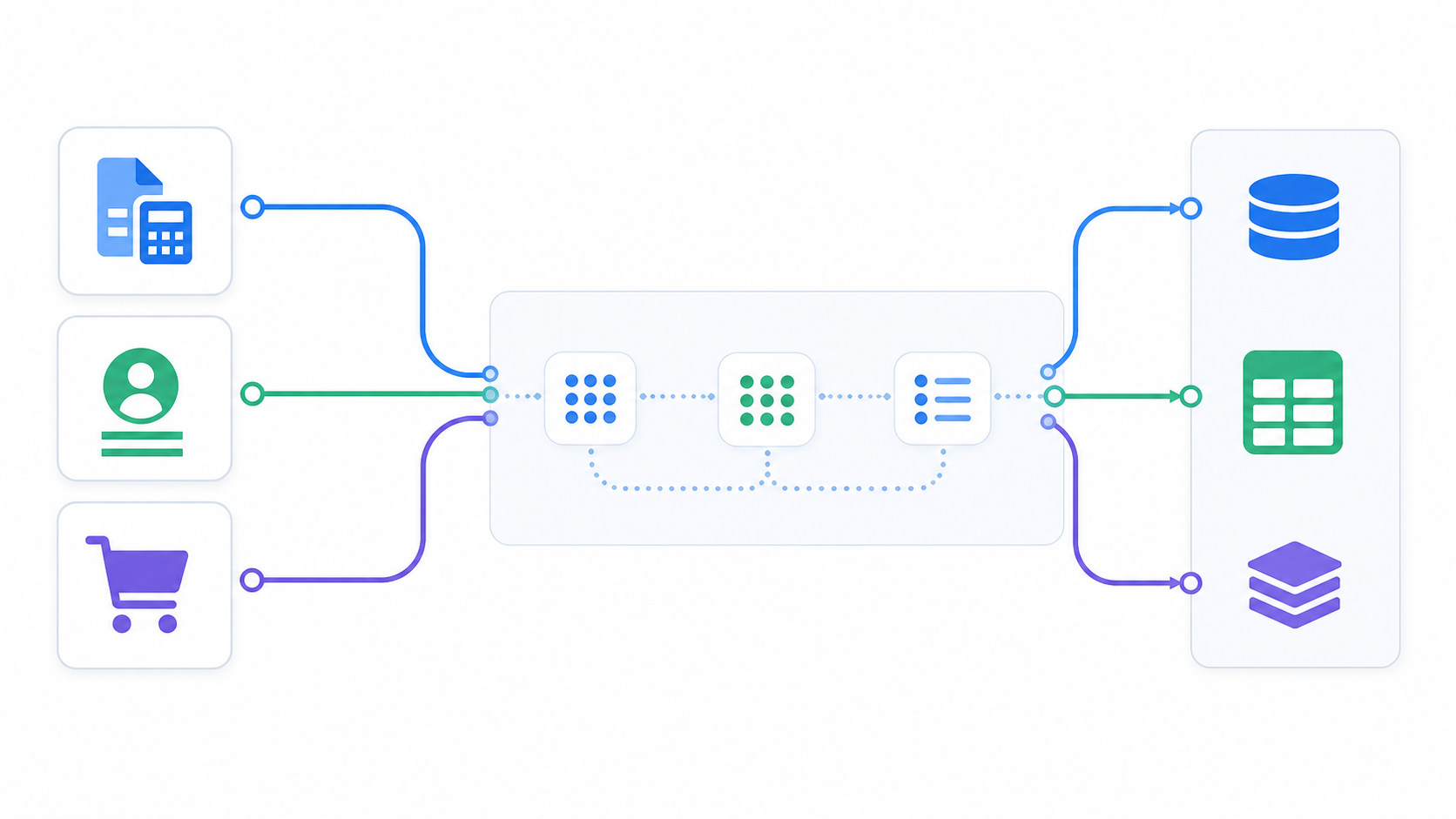
Hotglue's connector library is built on open-source Singer and Airbyte YAML specs within a scalable integration architecture, so every connector is forkable and extensible. The transformation layer runs Python at the pipeline level, with Pandas and Dask available in a JupyterLab workspace backed by Git version control, part of hotglue's broader integration tools for developers. Real code, real history, real control over data shape before it hits your backend, thanks to hotglue's pre-processing layer.
The sharper differentiator is on-premise support. Most embedded iPaaS tools stop at cloud APIs. Hotglue goes further:
- QuickBooks Desktop via a Windows agent and the QuickBooks Web Connector, covering the many SMB accounting teams that never migrated to the cloud version.
- Sage 300 CRE via an on-premise install that connects directly to the local database, which matters for construction and real estate software vendors.
- Sage 200 via a cloud proxy built for the UK market, where Sage 200 still has meaningful enterprise adoption, rounding out the top accounting platforms you should integrate with.
For SaaS products serving accounting, construction, or ERP-heavy customers, that coverage is a requirement, not a bonus.
| Hotglue | Workato | |
|---|---|---|
| Primary Audience | B2B SaaS product teams | Enterprise IT & operations teams |
| Built For | Customer-facing (embedded) integrations | Internal workflow automation |
| Pricing Model | Per active tenant (~$1,500 to $2,500/mo base) | Per task/recipe (~$64,543/yr avg contract) |
| End-User UI | White-labeled JS widget, fully native | iFrame-embedded workflow builder (third-party feel) |
| Connector Source | Open-source (Singer & Airbyte YAML), forkable | 1,200+ proprietary connectors |
| Transformation | Python (Pandas/Dask) in JupyterLab with Git | Step-based recipe builder |
| On-Premise Support | QuickBooks Desktop, Sage 300 CRE, Sage 200 | Not offered |
| Tenant Scheduling | Per-tenant job scheduling | Shared recipe-level scheduling |
Purpose-Built for Embedded vs. Retrofitted for Embedded
Workato's architecture reflects its origins. The product was built to automate internal enterprise workflows, and "Workato Embedded" layers on top of that foundation. The underlying assumptions, from how recipes are structured to how tasks are billed, trace back to an IT-team audience, not a SaaS product team trying to ship a native customer-facing feature.
Hotglue was designed with one use case in mind from the start: a B2B SaaS vendor giving its customers a native integration experience. Every design decision follows from that.
In practice, this is typically owned by the CPO or Head of Partnerships, the person responsible for both the integration roadmap and the customer experience that comes with it. Here is what the difference looks like when they go to implement:
- Tenant-based pricing means billing maps directly to your customer relationships, so costs scale with your business in a predictable way.
- Per-tenant job scheduling, part of how you manage your app integrations, means different customers can sync at different cadences without any shared configuration getting in the way.
- Magic Link onboarding means customers who never touch the embedded widget can still authenticate without your engineering team doing extra work.
- White-label UI means your customers see your product, not ours.
The commercial flexibility also reflects that embedded-first thinking. Hotglue supports end-user billing, referral arrangements, and reseller structures depending on how a vendor wants to package integrations. And before any contract is signed, the Hotglue team works directly inside the vendor's product sandbox to prove the fit. That sales motion only makes sense if the product was designed to integrate deeply with someone else's UI from day one.
Why Hotglue Is the Better Choice
Workato is a credible tool for large enterprise IT teams running internal workflow automation across a wide application stack. Its recipe model, 1,200+ connectors, and no-code builder serve that audience well.
For B2B SaaS teams building customer-facing integrations, hotglue is the stronger fit. Here is why:
Pricing That Scales With Your Business
Hotglue prices on active tenants, not task volume. As your integration usage grows, you are not penalized for every API call or workflow run. This matters when you are selling integrations to dozens or hundreds of customers.
A Fully White-Labeled Native UI
Your customers see your brand, not ours. Hotglue delivers a fully white-labeled integration experience that feels native to your product, which is something Workato's embedded offering struggles to match cleanly.
Deeper Vertical Coverage Where It Counts
Hotglue goes deeper on the accounting and ERP connectors that SaaS products in those verticals actually need. If your product lives in the financial ops or back-office space, that connector depth is not a nice-to-have.
Workato adapts an enterprise automation tool for the embedded use case. Hotglue was built for nothing else.
Final Thoughts on Hotglue vs Workato
Workato is a strong tool, just not the right one for every job. When your customers are the ones doing the connecting, the integration experience becomes part of your product, and that changes what you need from an embedded solution. Hotglue's tenant pricing, native widget, and deep connector coverage were designed around that specific problem from day one. Talk to the team to see how it fits your setup.
FAQ
Should my SaaS team choose Hotglue or Workato for customer-facing integrations?
If your goal is giving your own customers a native integration experience inside your product, Hotglue is the stronger fit. It was built for exactly that use case from day one. Workato is a better match for large enterprise IT teams running internal workflow automation across their own tech stack.
How does Hotglue's pricing model differ from Workato's task-based pricing?
Workato bills on tasks: every action executed in a workflow counts against your usage, making costs hard to forecast as sync frequency grows. Hotglue charges per active tenant in a rolling 30-day window, so your bill scales with your connected customer count, not your data volume or job frequency.
Who is Hotglue best suited for, and who is Workato best suited for?
Hotglue is built for B2B SaaS product teams (typically CPOs or Heads of Partnerships) who need a white-labeled, customer-facing integration layer that feels native to their product. Workato serves mid-to-large enterprise IT and operations teams automating internal processes, which is reflected in its average contract value of around $64,543 per year.
Can Hotglue handle on-premise accounting systems that Workato cannot?
Hotglue supports QuickBooks Desktop via a Windows agent, Sage 300 CRE via a direct on-premise database install, and Sage 200 via a cloud proxy for the UK market, which is coverage most embedded iPaaS tools skip entirely. For SaaS products serving accounting, construction, or ERP-heavy customers, this support is often a hard requirement.
What should I consider before migrating from Workato Embedded to Hotglue?
The most important thing to assess is whether your current integration experience is truly white-labeled or whether your customers are context-switching into a workflow-builder UI. If your team also relies on Python-level transformation control, open-source connectors, or per-tenant sync scheduling, those are concrete capabilities to validate during a Hotglue demo before committing to a switch.