Getting donor data from a Cvent gala or a Gravity Forms submission into DonorPerfect sounds straightforward until you actually try to build it. Field mapping, deduplication, user-defined fields that vary by organization, sync timing that actually matters for post-event follow-up. This post walks through what a real nonprofit data pipeline looks like and what to think through before writing a single line of code.
TL;DR: Connecting Gravity Forms and Cvent to DonorPerfect requires field mapping, per-tenant UDF config, and deduplication logic that most teams underscope — hotglue ships open-source connectors that handle all of it so your engineering team doesn't have to.
What Is a DonorPerfect Integration?
DonorPerfect is a fundraising and donor management CRM, one of many CRMs worth building integrations with, used by thousands of nonprofits to track gifts, manage constituent records, and run campaigns. When a SaaS product integrates with it, donor data (gifts, contact records, campaign responses) flows automatically between systems without manual exports or copy-paste.
The distinction that matters for product teams is the difference between a native integration and a raw API connection. DonorPerfect's API-XML interface lets developers read and write records in real time, but wiring that up yourself means your team owns every edge case: schema changes, deduplication logic, error handling, and ongoing maintenance when DonorPerfect updates their endpoints.
A native integration lives inside your product, similar to the DualEntry connector, where your nonprofit users connect their DonorPerfect account through a UI your team controls, and the data pipeline runs in the background. For your customers, it feels like a feature. For your engineering team, the ongoing maintenance burden is a very different story.
Why Nonprofit SaaS Products Need Connected Data Pipelines
Nonprofit organizations rarely run on a single tool. A typical fundraising shop might collect donations through a WordPress form, manage event registrations in Cvent, and track donor history in DonorPerfect, with staff manually syncing all three after every campaign using the ancient art of copy-paste. That's a product gap your SaaS is positioned to close.
The stakes are real. A 2026 study commissioned by Unit4 and IDC found that 83% of nonprofits have AI investment on their strategic roadmap, yet most remain held back by deep back-office integration gaps. The ambition is there. The data infrastructure largely isn't.
When your nonprofit customers ask why donor records don't reflect last night's gala registrations, or why a Gravity Forms submission didn't create a DonorPerfect record, they're asking why your product doesn't connect their world. Building those pipelines natively, inside your product, is how you become indispensable to the sector.
The Role of Gravity Forms in Nonprofit Data Collection
Gravity Forms sits at the front of the nonprofit data funnel. On a WordPress site, it handles the forms nonprofit customers actually use day-to-day: one-time donation captures, recurring gift enrollments, gala registrations, volunteer applications. According to Gravity Forms' nonprofit page, it connects to payment processors like Stripe and PayPal out of the box and supports automated confirmations for event registrations.
The problem is where that data lives afterward. Form submissions land in the WordPress database, accessible through the Gravity Forms UI but completely disconnected from DonorPerfect. A volunteer who signs up through a form isn't automatically a constituent record. A donation processed through the form doesn't create a gift entry. Staff end up exporting CSVs and importing them manually — a timeless ritual that somehow survives every digital transformation initiative. That's exactly the kind of work your product should eliminate.
For SaaS builders (typically a CPO scoping the integration roadmap or a Head of Partnerships fielding the "why doesn't this connect?" question from a key account), the challenge is mapping Gravity Forms field data to DonorPerfect's record schema. Form fields are freeform by design. DonorPerfect expects structured constituent and gift objects. Bridging that gap requires field mapping logic, deduplication checks against existing records, and error handling when submissions arrive with missing or malformed data.
How DonorPerfect's API Works
DonorPerfect exposes an XML-based API that lets external systems create constituent records, update existing ones, and process gift transactions in real time. The core data objects you'll work with are supporters, gifts, recurring plans, and user-defined fields (UDFs), which are the custom fields nonprofits use to track things like campaign source or membership tier.
The catch is that the API assumes server-side scripting experience and a solid grasp of DonorPerfect's data model. Field names don't always match expectations, UDF mappings vary by organization, and deduplication falls entirely on you. Every nonprofit you onboard will have configured DonorPerfect differently, so your integration needs to handle variable field structures instead of assuming a fixed schema.
Syncing Cvent Event Data to Donor Records
Cvent captures rich attendee data: registrant contact details, ticket tiers, session selections, and donation amounts collected at the event level. For nonprofits running galas or annual conferences, that data is fundraising gold sitting isolated from the donor record in DonorPerfect.
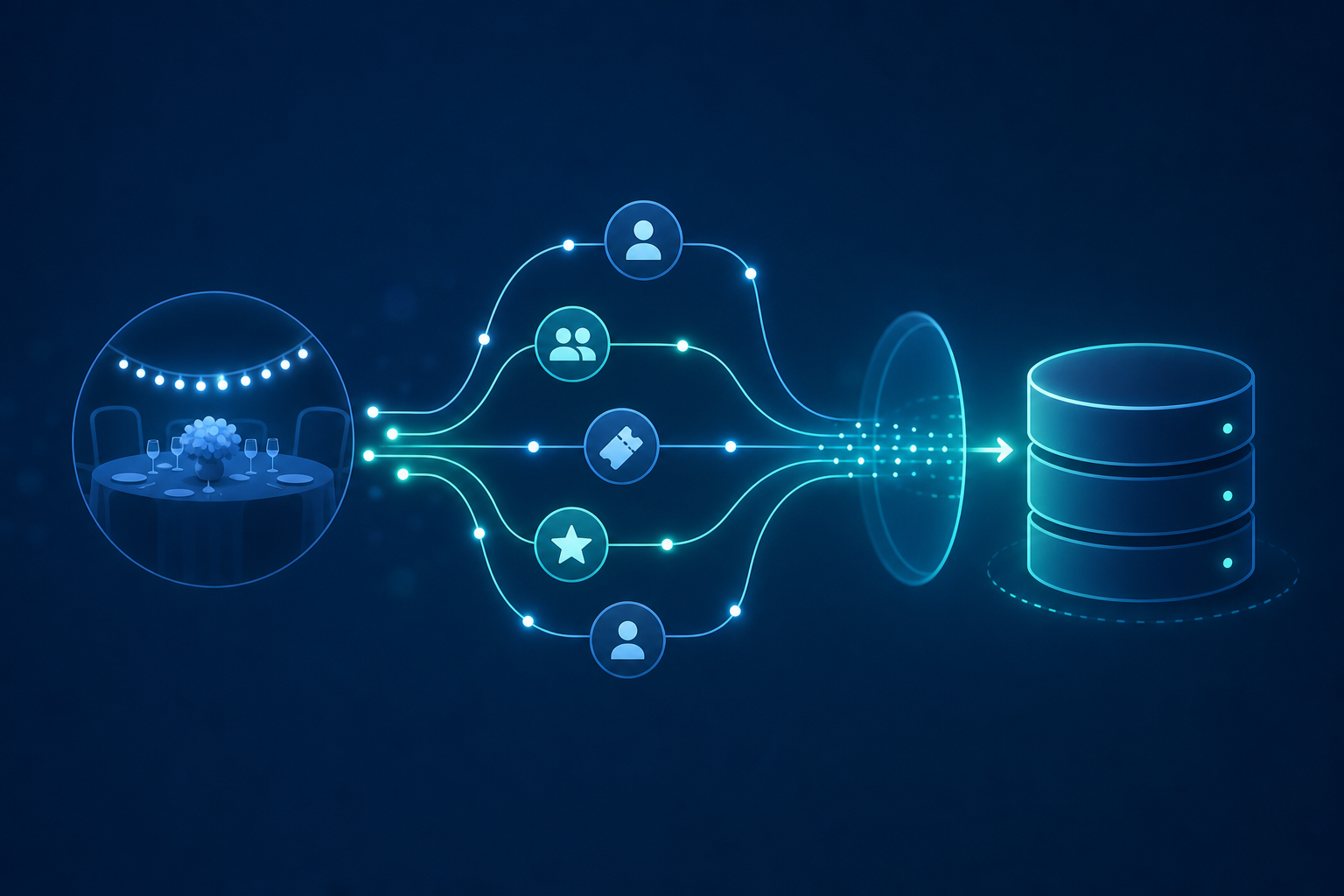
The objects that need to move are fairly predictable. Registrant contact info maps to DonorPerfect constituent fields, ticket purchases map to gift records, and donation amounts captured during registration need to land as transactions with the right campaign attribution. Timing matters too. Post-event follow-up loses impact fast, so a sync firing the same night beats one running 48 hours later.
Where things get complicated is matching. A Cvent registrant might already exist as a DonorPerfect constituent, or might not. Your integration needs to check before creating a duplicate record, matching on email or a name-and-location combination, then deciding whether to update or create. Hotglue's record-matching engine handles this kind of multi-field deduplication out of the box, cutting a meaningful amount of custom logic across every nonprofit customer you onboard. The data flow from Cvent into DonorPerfect becomes a configured pipeline instead of a bespoke engineering project per customer.
Field Mapping and Deduplication Across Nonprofit Data Sources
Field mapping is where nonprofit integrations get genuinely messy. Gravity Forms gives you freeform labels. Cvent gives you registrant objects built around event context. DonorPerfect expects structured records distinguishing between one-time gifts, pledges, and recurring plans, and that distinction isn't always obvious from upstream form data.
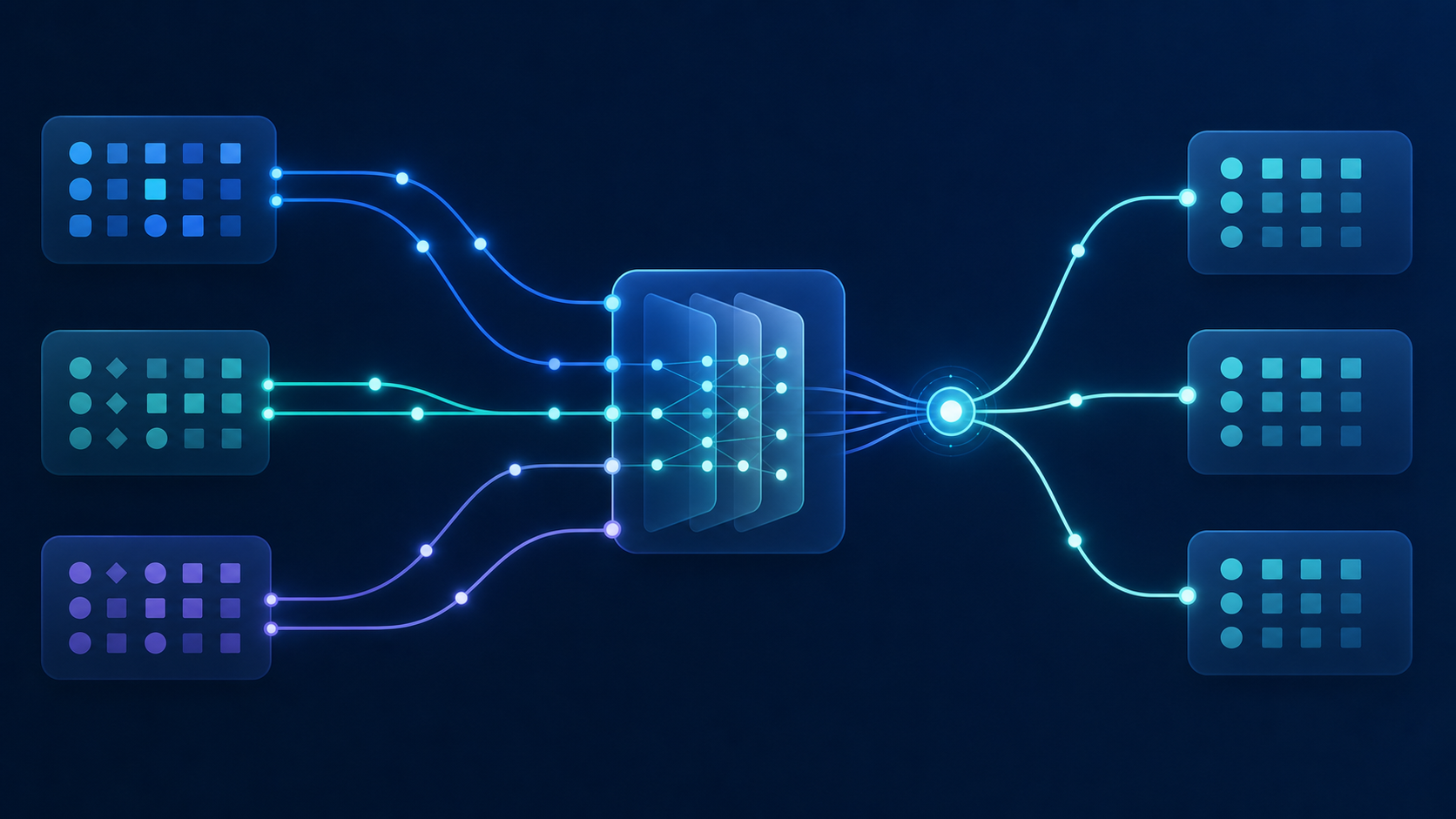
User-defined fields compound the problem. Every nonprofit configures their DonorPerfect instance differently, so the UDF for "campaign source" in one organization is field 42, and field 17 in the next. Your integration can't hardcode those mappings. It needs to surface them as configurable options per tenant.
Deduplication runs on top of all of this. A donor who registers for a Cvent gala and submits a Gravity Forms pledge the same week will appear in both pipelines. Matching on email alone misses maiden name mismatches. Matching on name plus location misses formatting inconsistencies.
Bidirectional Sync vs. One-Way Data Push
Most nonprofit integrations start one-way: a form submission fires, a donor record gets created or updated, done. For many Gravity Forms setups, that's genuinely enough. Data flows into DonorPerfect and staff take it from there.
Bidirectional sync earns its complexity when your product needs DonorPerfect data to drive behavior on the SaaS side. A few concrete cases where it matters:
- Showing a donor their cumulative giving history inside your product
- Gating Cvent registration tiers based on donor status pulled from DonorPerfect
- Pre-filling Gravity Forms fields for returning donors so they skip re-entering contact info
- Syncing gift acknowledgment status back so your product knows a receipt was issued
If none of those apply, a one-way push keeps the integration simpler and cheaper to maintain. The real architectural question is whether your product is a data collector or a data consumer. Collectors push in. Consumers need the return flow.
Hotglue supports both models. One-way flows are configured as a source-to-target pipeline. Bidirectional integrations use the v2 connector model with separate read and write operations per direction, so you control exactly which objects move each way without coupling the pipelines together.
Embedded Integrations vs. API-Only Connections for SaaS Products
API-only connections work fine when your customers are technical, though many teams weigh offering native integrations alongside a Zapier app. If a nonprofit's IT staff will configure the sync themselves, exposing credentials and endpoint docs might be enough. But most nonprofit end users are development directors and program managers, not developers.
Embedded integrations shift that burden off the user. Instead of handing someone a DonorPerfect API key and a mapping spreadsheet, they authenticate through a UI inside your product and the pipeline runs without them touching configuration again. For less technical staff, that difference determines whether the integration actually gets used.
The support math favors embedded too. API-only connections generate tickets when credentials expire, field mappings break, or sync errors surface with no visible explanation. Embedded flows surface errors in context, with your product controlling the messaging.
Hotglue's widget and Magic Link options cover both deployment paths: embedded directly in your app, or sent as a standalone link when embedding isn't practical. Either way, the connection logic and maintenance stay off your engineering backlog.
What Data Gets Synced: A Practical Reference for Builders
The table below covers the core objects involved in a nonprofit data sync across Gravity Forms, Cvent, and DonorPerfect. Use it as a scoping reference before you write a single line of integration code.
| Object | What It Is | Notes for Builders |
|---|---|---|
| Constituent / Supporter | Core donor record: name, mailing info, email, phone | Match on email and name before creating; UDF config varies per org |
| Gift / Transaction | One-time donation with amount, date, campaign, fund | Requires campaign attribution fields; receipt status is a separate field |
| Recurring Plan | Scheduled giving: frequency, amount, next run date | Distinct from one-time gifts; cancellations need explicit handling |
| Pledge | Committed future gift with installment schedule | Pledge balance and payment history are separate objects |
| User-Defined Field (UDF) | Custom fields configured per nonprofit instance | Field IDs differ per org; must be surfaced as tenant-level config |
| Refund / Adjustment | Gift corrections or reversals | Often missed in initial scope; required for accounting reconciliation, a common blind spot when teams plan accounting platform integrations |
| Event / Cvent Registrant | Attendee contact info, ticket tier, session data | Maps to constituent and gift; deduplication required before write |
| Form Submission (Gravity Forms) | Freeform field data from WordPress forms | Field labels don't match DonorPerfect schema; mapping layer required |
The objects most teams underscope are UDFs and recurring plans. Every nonprofit will have custom fields tied to campaigns, membership tiers, or grant tracking, and those fields won't exist in a test environment the same way they do in production. Build your field mapping layer to accept per-tenant configuration instead of a fixed schema, or you'll be patching it for every new customer you onboard.
How hotglue Approaches Nonprofit Integrations
Hotglue ships the most complete native connector suite for the nonprofit stack: DonorPerfect, Cvent, Salesforce, Mailchimp, and the form and payment tooling your customers already run. Those connectors are open-source, built with hotglue's developer-first approach, so your engineering team can inspect exactly how a gift record gets written or how a Cvent registrant gets matched against an existing constituent. No black box, no guessing when something breaks, and no other platform gives you this level of visibility and control out of the box.
The field mapping layer and multi-field deduplication logic are built in, not bolted on per customer. Through integration management tooling, you configure match rules and UDF mappings at the tenant level, so each nonprofit's instance gets its own configuration without forking your codebase. The Python transformation layer, part of hotglue's scalable integration architecture, handles anything the connector doesn't cover natively, including restructuring nested Gravity Forms payloads into the structured objects DonorPerfect expects.
At scale, hotglue processes roughly 10 billion records weekly across 38,000+ active tenants. Nonprofit data volumes are modest by comparison, but the infrastructure means your sync doesn't degrade as you onboard more organizations. Pricing runs per active tenant, not per record, so growth stays predictable, a detail product teams building out their SaaS integration strategy tend to appreciate.
Final Thoughts on Connecting Donor Data Across Your Nonprofit Stack
Your nonprofit customers aren't asking for a technical integration. They're asking why last night's gala registrations still aren't in DonorPerfect. Solving that well means thinking through deduplication, UDF configs, and sync timing before your first customer goes live, not after. Book a demo with hotglue to see how the connector handles the parts that usually become support tickets.
FAQ
How do I sync Cvent event registrations to DonorPerfect donor records without creating duplicates?
Match registrants against existing DonorPerfect constituents on email first, then fall back to a name-plus-location combination before deciding whether to create or update. Hotglue's record-matching engine supports this multi-field deduplication logic out of the box, so you configure the match rules once at the tenant level and skip rebuilding the logic for every nonprofit you onboard.
What's the difference between a one-way Gravity Forms to DonorPerfect push vs. a bidirectional DonorPerfect sync for nonprofit SaaS products?
A one-way push is right if your product only collects and hands off data; bidirectional sync is worth the added complexity only when your product also needs to read DonorPerfect data to drive behavior. See the Bidirectional Sync vs. One-Way Data Push section above for concrete examples of when each model applies.
How does a DonorPerfect integration handle user-defined fields that differ across nonprofit customers?
UDFs in DonorPerfect are configured per organization, so the field ID for "campaign source" in one nonprofit's instance won't match another's. Your integration needs to surface UDF mappings as tenant-level configuration options instead of hardcoding them; otherwise you'll be patching the integration for every new customer you onboard. Hotglue's field mapping layer is built to handle this per-tenant variability without forking your codebase.
What objects does a nonprofit SaaS integration with DonorPerfect actually need to sync?
The core objects are constituents, one-time gifts, recurring plans, pledges, and user-defined fields. The ones most teams underscope are recurring plans and UDFs: recurring giving has distinct cancellation and frequency logic that differs from one-time transactions, and UDFs tied to campaigns or membership tiers won't exist in a test environment the way they do in production. Refunds and gift adjustments are also worth scoping early since they're required for accounting reconciliation downstream.
Should I build a DonorPerfect integration with a raw API connection or an embedded integration for my nonprofit customers?
A raw API connection works if your nonprofit customers have technical staff who will configure and maintain the sync themselves. For most nonprofits, where end users are development directors and program managers and not developers, an embedded integration is the better path: users authenticate through a UI inside your product and the pipeline runs without them touching configuration again. The support difference matters too: API-only connections generate tickets when credentials expire or field mappings break with no visible explanation, while embedded flows surface errors in context where your product controls the messaging.