If your integration works perfectly for the first few customers but starts generating support tickets around customer eight or nine, the mapping layer is usually where things fall apart. Some customers skip Leads entirely in Salesforce, others have GL account structures you have never seen, and a few have freeform values that no API discovery step could ever retrieve. This post covers how to build a configuration surface that absorbs all of that variation without pulling your engineers back in every time. (At some point, you stop blaming the customers and start blaming the architecture.)
TLDR:
- Static field mapping scales with your headcount, not your customer count, creating support backlogs fast
- GL account IDs are not portable across tenants, so hardcoding them across QuickBooks or NetSuite instances breaks books
- Tenant-configurable mapping covers four distinct types: catalog fields, custom properties, GL accounts, and freeform inputs
- Use
tenantInputfor values like cost center codes that no API discovery step can retrieve - Hotglue's
enableCustomMappingcall activates all mapping types in a single widget step
Why One-Size-Fits-All Field Mapping Breaks
Integration gaps stall deals, and mapping is usually where those gaps show up first.
The problem starts small. Your first few customers share similar schemas, so a hardcoded mapping works fine. By customer ten, one runs NetSuite with custom cost center fields, another uses QuickBooks with a GL structure your team has never seen, and a third has a custom Salesforce object that drives their entire revenue process. It is a pattern that shows exactly why unified APIs fail CRM integrations. Each one files a support ticket. Engineering queues up. The integration you shipped in two weeks now has a six-week backlog of one-off field adjustments.
That's the trap of static mapping: it scales with your headcount, not your customer count. Tenant-configurable mapping is what breaks that equation.
What Custom Field Mapping Actually Covers
Field mapping is the layer that tells your integration: "when data comes from system A, here's how it should land in system B." Within that, there are several distinct problems being solved:
- Mapping source fields to destination fields (e.g., a CRM's
Company Nameto your app'saccount_name) - Mapping to custom fields in third-party systems, like a Salesforce
Demo_Gift_Transaction_ID__cor a HubSpot custom property that only exists in that tenant's account - Enforcing required fields so critical values can never be skipped or left blank during a sync
- Defining whether that mapping is static (your engineers lock it at build time) or flexible (your customers configure it themselves at runtime)
The static vs. flexible split is where most product teams eventually get stuck. Static maps are fast to ship and easy to test. Flexible, tenant-configurable maps are what your enterprise customers actually need. Each approach requires a slightly different implementation decision.
Custom Fields: Mapping to Tenant-Specific Properties
Every CRM tenant has fields your schema never anticipated. A Salesforce connector user might have Demo_Gift_Transaction_ID__c on their Contact object, one of thousands of custom fields Salesforce supports per object. A HubSpot connector customer might track a custom contract_tier property that feeds their entire renewal workflow. These aren't edge cases; they're standard practice in accounts that have been live for more than a year.
Custom field mapping in hotglue handles this by showing your app's data model on the left and the tenant's live source fields on the right. The tenant draws the connections themselves, without filing a support ticket or waiting on your engineering team.
Before those right-hand fields can appear, the integration runs a field-fetch step. Hotglue pulls available fields directly from the tenant's account, since custom fields are per-account and can't be inferred from a connector spec. You can trigger this fetch when the user first links their account, or force a fresh pull on every job run if the tenant's schema changes frequently.
Required-field flags give you a guardrail here. Mark a field as required, and the tenant cannot complete their mapping configuration without filling it in. For fields that feed downstream financial or reporting logic, that constraint is worth enforcing up front instead of chasing bad data after the fact.
Object Mapping: Directing Data to the Right Target
Object-level mapping answers a different question from field-level mapping: where does this data land at all?
Two customers using Salesforce can have completely different object structures. One routes all inbound records through Leads. Another skips Leads entirely and writes directly to Contacts, or to a custom object like GiftTransaction__c their RevOps team built years ago. Hardcode a destination object and half your Salesforce customers are syncing data to the wrong place from day one.
Object mapping lets tenants control which target object receives each source entity. A nonprofit SaaS syncing supporter data might let one customer route Supporters to Salesforce Contacts, while another routes the same stream to a custom Donor__c object. Neither is wrong. They just reflect how that org was built.
Common object-mapping decisions tenants face:
- Salesforce Leads vs. Contacts, since many orgs disable Leads entirely and your integration should respect that without manual intervention from your team
- HubSpot Companies vs. a custom object used for account hierarchy
- A source
Supportersentity mapped to either a standard object or a customGiftTransaction__c - CRM
Dealsrouted to either Opportunities or a custom pipeline object
The mechanic mirrors custom mapping for CRM integrations: show the tenant their source entities, show the available target objects, and let them draw the connection. The integration then respects that choice on every sync run, per tenant.
One-to-Many Table Mappings: One Source, Multiple Destinations
Sometimes a single source record carries attributes that belong in two places at once. An events table might contain both contact-level details (name, email, phone) and company-level details (organization, billing street, industry). Splitting those into separate pipeline runs means two jobs, two schedules, and two opportunities for the data to drift out of sync.
A B2B e-commerce order record is another case that runs into this constantly. The same order payload holds the buyer's contact info (name, email, job title) alongside the purchasing company's details (company name, billing street, industry vertical). One sync job needs to write the person-level data to a Contacts object and the company-level data to an Accounts object. Without one-to-many mapping, the standard workaround is a second integration configured separately, which doubles the onboarding steps and creates two independent jobs that can easily fall out of step with each other.
The allowOneToManyTableMappings option lets tenants map one source table to multiple target objects inside a single widget step. A supporter record from a nonprofit CRM can land in both HubSpot Contacts and HubSpot Companies in one pass, without a second sync job.
This matters most in verticals where source records are dense. Nonprofit tech, events platforms, and B2B e-commerce tools regularly produce records that straddle standard object boundaries. Forcing tenants to configure a second integration to capture the overflow becomes a support burden your team ends up owning.
GL Account Mapping: Connecting Categories to Real Chart of Accounts
GL account mapping is where data quality stops being a product problem and starts being a finance problem. A misrouted expense category in a CRM integration is annoying. A misrouted journal entry in QuickBooks or NetSuite corrupts the books, and finance often catches it weeks later during reconciliation.
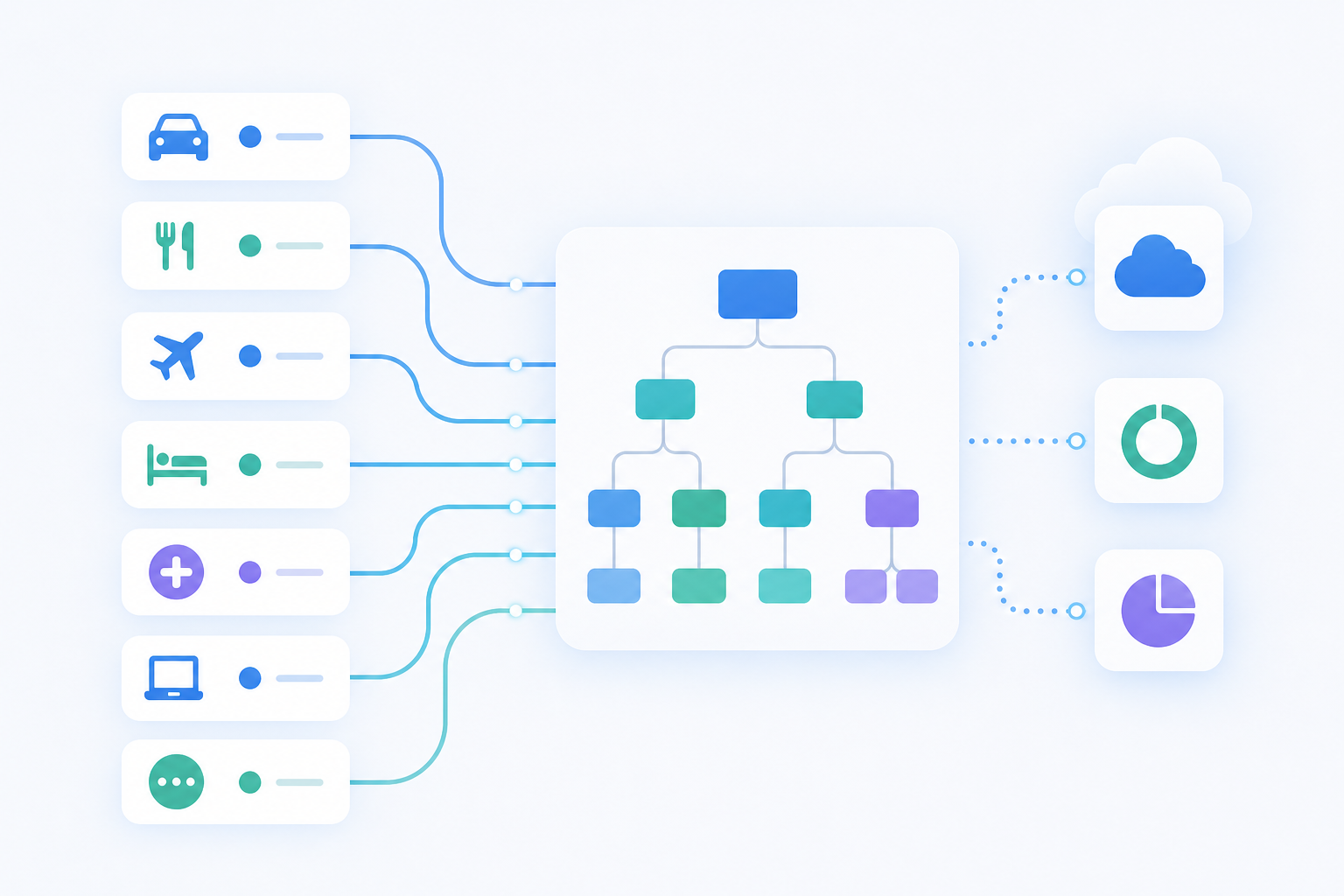
The core challenge is that GL account IDs are not portable. A "Software Subscriptions" account in one QuickBooks connector instance has a completely different ID than the same category in another, because each business builds its own chart of accounts structure from scratch at setup. Xero, NetSuite, and Sage Intacct each generate their own chart of accounts at setup, so hardcoding account IDs across tenants is never safe.
Hotglue's metadataMapping pulls live values directly from the NetSuite connector's metadata at runtime. The widget fetches the actual chart of accounts from each tenant's connected system and presents those real account names as selectable options. No raw account IDs, no manual entry errors.
The Airwallex GL mapping guide is a practical example. Customers sync expense categories to GL accounts without risking collisions with other connected bank accounts on the same instance. When a GL account is attached to a bank account, the entry posts there. When it is not, fallback and default logic determines where the journal entry lands.
That fallback behavior matters more than it sounds. A missing default means any category without a match either errors out or posts to a catch-all account that nobody audits until quarter close.
Tenant Input Fields: Freeform Values Only the Customer Knows
Some values are invisible to the connector. They exist in the tenant's internal taxonomy, their accounting config, or a convention their finance team put in place years ago and never documented anywhere accessible via API.
A cost center code is a good example. It is not a field in Salesforce. It is not a metadata value from QuickBooks. It is a string that lives in a spreadsheet on someone's desktop, and the transformation layer needs it to route journal entries to the right department during every sync run.
tenantInput handles exactly this case. Instead of a field picker or a metadata dropdown, the widget displays a plain text or number input that the tenant fills in manually. You define the label, an optional placeholder to guide their input, and whether the value should be treated as a string or a number. If the input feeds a field that expects a prefixed value, like CLASS- before a class identifier, prefix support lets you prepend that string automatically without burdening the tenant with remembering the format convention.
The practical uses are narrow but non-negotiable in accounting-heavy integrations: default account prefixes, custom class codes, internal division identifiers, or any other static value your transformation script needs but that no discovery step could ever retrieve. Without tenantInput, the only alternative is a support ticket.
Mixing Mapping Types in a Single Configuration
Real integrations rarely fit into a single mapping type. A QuickBooks sync might pull standard invoice fields from the catalog schema, fetch custom payment terms the tenant defined in their own account, look up live GL account names from their chart of accounts, and ask for a default cost center code that only their finance team knows. That is four mapping types in one session.
Hotglue's widget handles all of them together. Within a single configuration step, a tenant can map catalog fields, resolve custom properties from discovery, select GL accounts from live metadata, and type in freeform values your connector could never retrieve. No second screen, no follow-up ticket, no second sync job to configure.
The allowManyToOneFieldMappings option rounds this out by letting tenants select several source fields that merge into one target, such as combining first_name and last_name into a single full_name destination, with no custom transformation code required on your end.
Fewer mapping steps in a single flow means fewer chances for a tenant to drop off before their integration goes live.
How Developers Implement Custom Mapping
The API surface is intentionally thin. A single enableCustomMapping call keyed by connector ID activates the mapping UI for that tenant, and it works the same whether you are using the JS widget or the React useHotglue hook. The full reference is in the custom mapping docs:
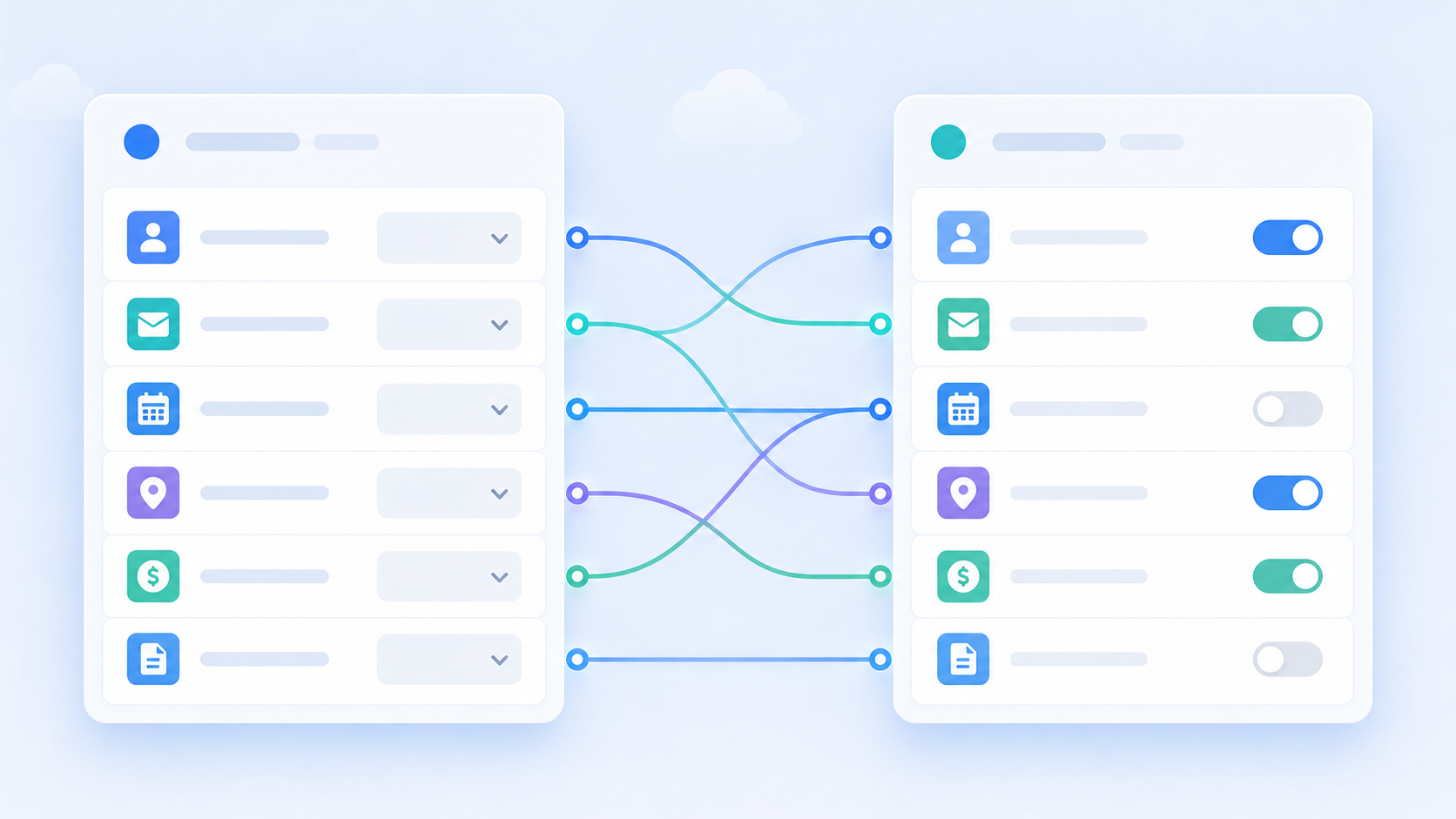
Once the tenant saves their configuration, the mapping persists in their tenant config as hotglue_mapping. Your Python transformation script reads that object at sync time and routes fields accordingly, with no extra API calls required. The mapping is already there when the job runs.
Backward compatibility is handled automatically. Tenants with an existing single-target mapping see it upgraded to version 2.0 on save with no migration work on your end. Nothing breaks, nothing needs a backfill.
Who Owns What: Responsibilities Across the Stack
Ambiguity over who configures what is usually how a good integration architecture turns into a support backlog. The split is cleaner than most teams expect.
| Layer | Owner | What they control |
|---|---|---|
| Mapping schema | Product and engineering | Which fields are available, which are required, which mapping types apply |
| Tenant configuration | The customer (or CS on their behalf) | Actual field values, GL accounts, object destinations, freeform inputs |
| Transformation logic | Engineering | How the saved mapping gets applied at sync time |
Your team defines the structure once. Each tenant populates their own instance at onboarding. When a new customer has a custom Salesforce object or a GL account structure your team has never seen, that variation lands in the widget configuration, not in your Slack channel.
You are not writing a new connector for each customer. You are writing a configuration surface that absorbs variation by design.
How hotglue Handles Custom Field Mapping at Scale
Hotglue's mapping works across a catalog of over 650 open-source connectors spanning accounting, CRM, e-commerce, and payroll, including a generic API connector for custom systems. Because the connectors are open source, you can see exactly how fields and metadata get pulled from each tenant's account, instead of guessing what a black box is doing.
The Python transformation layer handles sync-time logic. When a job runs, it reads hotglue_mapping directly from the tenant config. Conditional routing rules or computed field calculations get handled there without touching connector code.
A few things worth noting for teams assessing this at scale:
- Tenant-based pricing means a customer connecting to multiple connectors counts as one tenant. More mapping complexity does not change the bill.
- For accounting-heavy stacks like QuickBooks Online, Xero, NetSuite, and Sage Intacct, a unified schema keeps custom field mappings consistent across connectors. You define the structure once, not once per system.
- Hotglue is SOC 2 Type II and GDPR compliant. Data is processed and delivered without being stored, which matters when tenant configurations contain live GL account references and financial routing logic.
The bottom line: hotglue combines open-source connector transparency, Python-powered transformation flexibility, tenant-scoped configuration, and SOC 2 Type II compliance in a single layer, built for SaaS teams that need to scale integrations without scaling their engineering headcount.
Final thoughts on Scaling Integrations with Custom Field Mapping
The real cost of hardcoded mapping shows up in your support queue, not your code. Each tenant with a custom object or a GL structure your team has never seen turns into a ticket, and those tickets add up. Building a flexible mapping layer that tenants configure themselves is a much cleaner way to absorb that variation. Book a demo to see how this works across accounting, CRM, and other connector types.
FAQ
How do I let customers configure GL account mapping in my SaaS product without my engineering team touching each tenant's chart of accounts?
Hotglue's metadataMapping option pulls the live chart of accounts directly from each tenant's connected system at runtime (QuickBooks Online, Xero, NetSuite, and Sage Intacct are all supported) and presents real account names as selectable options in the widget. Your engineering team defines the mapping schema once; each customer populates their own GL account selections at onboarding without filing a support ticket. The mapping persists in hotglue_mapping and is read by the Python transformation layer on every sync run.
How can I prevent customers from mapping Airwallex wallets to the wrong GL accounts during a chart of accounts import?
Don't let customers type account IDs. With Hotglue's Airwallex connector, customers map expense categories (and Yield account balances and transactions) to GL accounts in their own chart of accounts, picking from real account names inside the widget. Our Airwallex GL mapping guide walks through how GL accounts attached to a bank account post there, and how default logic handles the rest.
What is embedded integration field mapping and how is it different from hardcoded connector schemas?
Embedded integration field mapping is a configuration layer that lets each tenant define how their source system fields map to your app's data model at runtime, inside your product's UI. Unlike a hardcoded schema (where your engineers write a single mapping that applies to every customer), embedded mapping surfaces each tenant's live fields, custom objects, and GL accounts so they can draw their own connections. The result is that schema variation across customers lands in a configuration UI, not in your engineering backlog.
How do I handle fallback logic when a customer's GL account isn't attached to a bank account during a sync?
Define a default account in your mapping configuration before the first sync runs. Mark it as a required field in the widget so tenants can't finish their mapping without choosing one. Your Python transformation script then reads the saved hotglue_mapping at sync time and routes any category without a match to that default, instead of erroring out or posting to a catch-all no one audits until quarter close.
Can a single source record be mapped to multiple target objects in one widget step, or does that require a separate sync job?
A single source record can map to multiple target objects in one step using the allowOneToManyTableMappings option, with no second sync job needed. A B2B e-commerce order record, for example, can write buyer contact details to a Contacts object and company billing details to an Accounts object in a single pass. Without this, tenants end up configuring a second integration to capture the overflow, which your customer success team usually ends up owning.