If your product serves customers across different Sage products, you're not building one integration. You're building four, each with its own authentication model, deployment constraints, and data structure. This is the breakdown that most integration docs skip over.
TLDR:
- Sage 50, 200, 300, and Intacct are four separate products with different APIs, not versions of one system.
- On-premise Sage products (50, 200, 300 CRE) have no cloud endpoint, breaking most standard integration tools.
- For Sage Intacct new builds, use the REST API; both APIs require an active Web Services subscription.
- The Sage Intacct-Salesforce Advanced CRM Connector starts at $14,000/year and has limited flexibility for custom data models.
- Hotglue covers all four Sage products via on-premise connectors, a cloud proxy, and a unified financial schema.
What the Sage Product Family Actually Is (and Why the Numbers Don't Mean What You Think)
Sage's product naming is genuinely confusing, and it trips up a lot of product teams before they write a single line of integration code. If you're a CPO or Head of Partnerships scoping Sage connectivity for your product, this is the part where that confusion becomes your problem to solve, along with your engineering team's problem to implement.
The numbers do not indicate versions. As Metamorphosis explains, Sage 50, Sage 200, Sage 300, and Sage Intacct are completely distinct product families with separate codebases, architectures, and target markets, acquired and developed over decades. A company does not "upgrade from Sage 50 to Sage 300" the way it patches software.
Here is the short version of what each one actually is:
- Sage 50: desktop-based accounting for small businesses, primarily UK and North America
- Sage 200: on-premise accounting software positioned in the UK and European mid-market
- Sage 300: on-premise ERP targeting North American mid-market, widely used in construction and real estate
- Sage Intacct: cloud-native financial management for mid-size and enterprise businesses, with a full REST API
Each product has a different API surface, different authentication model, and different deployment architecture. The approach that works for Sage Intacct will not work for Sage 300. Getting this wrong early means rebuilding later.
The Integration Picture Across Sage Products
Four products, four completely different problems. The term "Sage integration" gets thrown around as if it describes a single task, but depending on which product your customers actually run, you are looking at different authentication models, different data structures, and in some cases, no REST API at all.
Here is the full breakdown:
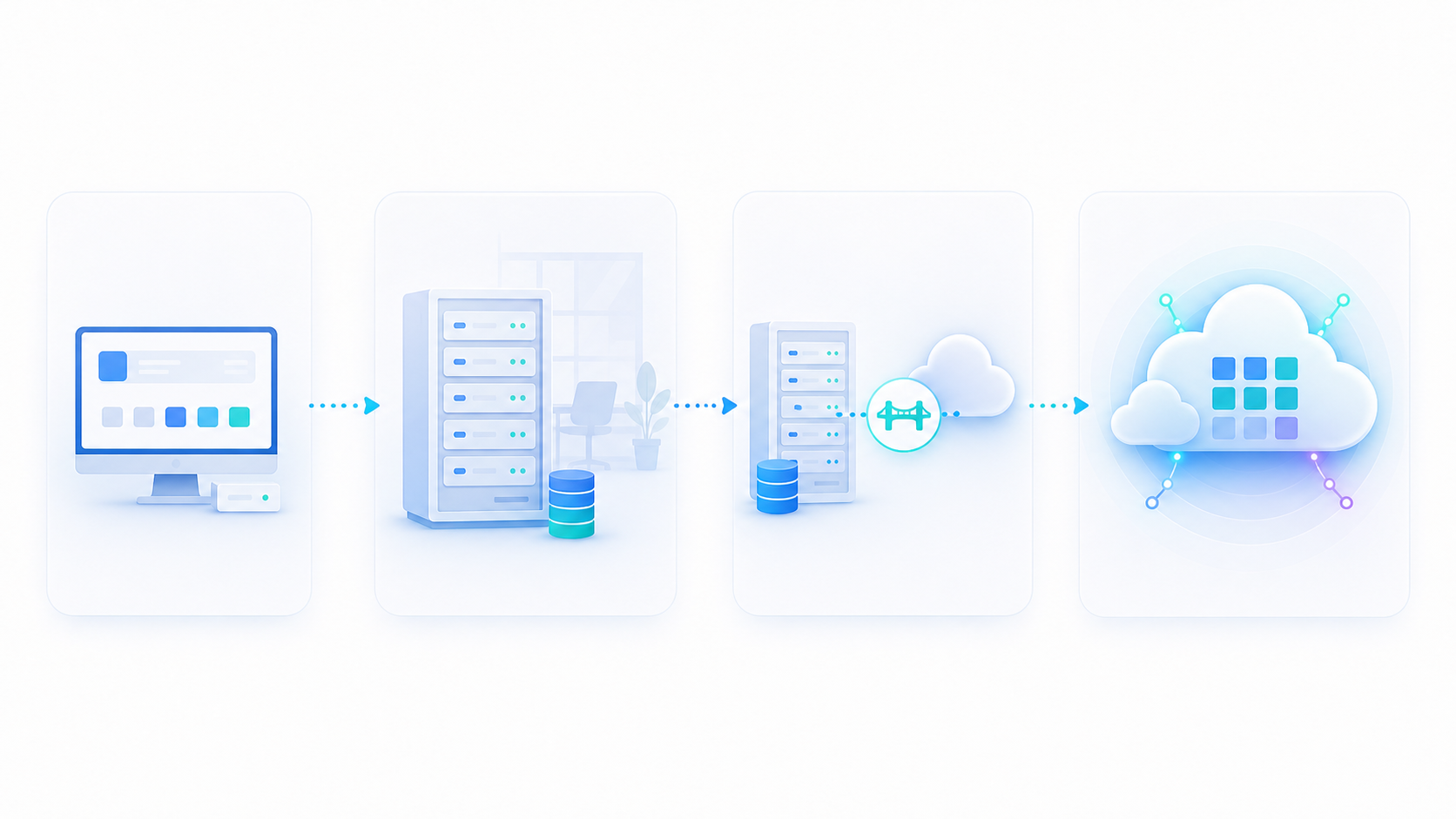
| Sage Product | Deployment | API Type | Integration Difficulty |
|---|---|---|---|
| Sage 50 | Desktop / local | Limited REST; file-based workarounds common | High |
| Sage 200 | On-premise (UK) | REST API via cloud proxy | Medium-High |
| Sage 300 CRE | On-premise | Direct database / on-prem connector | High |
| Sage Intacct | Cloud-native | Full REST + XML API | Medium |
For a deeper look at Sage 300's on-premise architecture, see our Sage 300 integration guide. Sage Intacct is the most integration-friendly by a wide margin. It has a documented REST API, a developer portal, and a growing ecosystem of certified connectors. Sage 300 CRE sits at the opposite end, requiring an agent installed directly on the customer's machine. Sage 200 falls somewhere in the middle, accessible via a cloud proxy but still fundamentally on-premise underneath.
If your product serves customers across multiple Sage products, you are not building one integration. You are building four.
Sage Intacct API: REST, XML, and What Developers Need to Know
Sage Intacct gives developers two API paths, and picking the wrong one for a new build will cost you time down the road.
The legacy option is the XML API, which covers a wide object model including General Ledger, Accounts Payable, Accounts Receivable, Purchasing, Order Entry, Inventory, and Construction modules. It works, and many existing integrations run on it. The catch: Sage has announced that XML API developer documentation is moving to the new Sage Intacct Developer Portal, targeting FY27 R1. The XML API itself is not changing, so existing integrations keep running, but new builds should target the REST API.
The REST API uses standard HTTP verbs and predictable URLs, and includes an XML-to-REST object map for teams migrating existing integrations. Both APIs require a Web Services subscription, so if your customer has not activated that in their Sage Intacct account, authentication will fail before you get anywhere useful.
For new builds, use REST. For existing XML integrations, leave them alone until there is a compelling reason to migrate.
Sage 50 Integration: Capabilities, Constraints, and Common Use Cases
Sage 50 sits at the high-friction end of the integration range. The product was built as desktop accounting software, and that architecture shows up immediately when you try to connect it to anything.
API coverage is limited, and real-time sync is not a realistic expectation for most Sage 50 deployments. The more common patterns are file-based data exchange, scheduled batch imports, and payroll add-on connectors that write back into Sage 50's chart of accounts. Common use cases include:
- Syncing invoices and customer records between a CRM or billing tool and Sage 50
- Importing payroll journal entries from a payroll system
- Exporting transactions for downstream reporting
- Writing Purchase Orders for procurement workflows
Hotglue's Sage 50 connector supports Purchase Order writes, which covers one of the more frequent inbound sync requests teams bring to us.
The core constraint is that Sage 50 customers tend to be smaller businesses running software locally, so your integration has to work on their machine, not yours. That alone rules out the standard cloud-to-cloud approaches that work fine with Sage Intacct. For teams starting from scratch, our guide on setting up a Sage 50 integration walks through the constraints in more detail.
Sage 200 Integration: On-Premise Accounting Meets the Cloud
Sage 200 is a UK and European product, so if your SaaS serves customers in those markets, you will almost certainly encounter it. The integration challenge is that Sage 200 runs on-premise, meaning there is no cloud endpoint to call directly.
Hotglue handles this via a cloud proxy connector, so your engineering team does not need to architect that bridge from scratch. The proxy manages the handoff between your cloud infrastructure and the customer's on-premise environment.
A few things worth knowing before you start:
- Sage 200 supports both reading and writing, including products, product categories, customers, sales orders, invoices, and credit notes
- The on-premise nature means connectivity depends on the customer's network configuration, which can introduce setup variability
- UK customers often run Sage 200 alongside other regional tools, so your integration scope may extend beyond Sage 200 itself
The write support matters here. Many Sage integrations only pull data out, but Hotglue's Sage 200 connector supports pushing data back in, which opens up bidirectional sync workflows that would otherwise require custom middleware on the customer's side.
Sage 300 CRE Integration: On-Premise ERP for Construction and Real Estate
Sage 300 CRE is the dominant accounting system in North American construction and real estate, and it runs entirely on-premise. That architectural reality shapes every integration decision you will make.
With no cloud endpoint available, the integration requires a connector installed directly on the customer's machine, connecting to the local database. Hotglue's Sage 300 CRE connector works this way, and because it connects at the database level, it stays resilient across Sage software updates. It supports writing data back too, including jobs, vendors, and cost codes.
The most common use case, as covered in our construction SaaS guide to Sage 300 CRE, is syncing Sage 300 CRE with project management tools like Procore. As Procore's own documentation notes, the core driver is eliminating double-entry across approvals and accounting. Hotglue's connector also syncs fiscal calendar data, giving finance teams richer context alongside transactional records.
Sage Intacct and Salesforce: The Most Requested Integration
Finance teams live in Sage Intacct while sales teams live in Salesforce, and without a sync between them, someone is re-keying data manually.
The standard approach is Sage's Advanced CRM Connector, which handles accounts, contacts, contracts, billing, and project records between the two systems. It covers contract billing and renewals, account and contact synchronization, product and price book sync, and project task support for Sage Intacct Project Accounting.
The cost is real. The Advanced CRM Connector starts at $14,000 per year on the Salesforce AppExchange, plus a setup fee on top of your Sage Intacct subscription. Any customization beyond standard workflows adds further cost.
What you get is a Salesforce Lightning-certified connector that handles the sales-to-billing workflow end to end. What you do not get is flexibility for non-standard data models, custom objects, or bidirectional sync patterns outside Sage's defined scope. Teams with straightforward CRM-to-accounting workflows often find the connector sufficient. Teams with complex revenue recognition or multi-entity setups frequently hit its edges.
Common Sage Integration Use Cases by Data Type
Regardless of which Sage product your customers run, the data flowing through these integrations falls into predictable categories. Here is what to expect from each one.
There are six data types worth knowing before you scope a Sage integration project:
- Invoices and Bills: Sage Intacct covers these well through both the REST and XML APIs. Sage 50 and Sage 200 support invoice reads and writes, though Sage 50 is slower and file-based in practice.
- Journal Entries: General ledger sync is the backbone of most accounting integrations. Hotglue's Sage Intacct connector supports reporting period data alongside journal entry sync, which finance teams need for reconciliation.
- Vendors and Payees: Vendor master data sync is common in AP automation workflows. All four Sage products expose vendor records, though write-back support varies by product.
- Purchase Orders: Sage 50 supports PO writes via Hotglue's connector. Sage 300 CRE handles POs at the project level, tied to job costing workflows.
- Customers and Contacts: Customer record sync is most relevant for Sage Intacct and Sage 200, including write-back to the on-premise system.
- Fiscal Calendar and Reporting Periods: Hotglue syncs fiscal calendar data from Sage 300 and reporting period data from Sage Intacct, giving downstream systems the accounting context needed to post records into the correct period.
How to Approach a Sage Integration: Build vs. Embed vs. Buy
Three paths. None of them free. (You were hoping for a fourth path that's free and perfect? Us too.)
This decision typically lands on the CPO or Head of Partnerships. You're the ones balancing engineering bandwidth against customer expectations and time-to-market. Your engineering team will own the implementation, but you're the one who has to answer for it when a customer's Sage 300 update breaks their sync at 4pm on a Friday.
Building in-house gives you full control over the data model and connector behavior. The problem is what happens after launch. Sage products change. API endpoints shift. Schema fields get deprecated. And the engineer who built the connector moves on. One customer running a Sage 300 CRE build on a non-standard version can invalidate assumptions you baked in at the start. In-house works, but the maintenance cost tends to be invisible until it isn't.
Middleware tools handle orchestration reasonably well for internal workflows, but they were not designed to embed natively inside a SaaS product. Your customers end up authenticating in a separate UI, and your team loses visibility into per-tenant sync health.
Embedded iPaaS is the path that makes the most sense for most SaaS teams building at scale. Connector updates, API changes, and schema drift are handled upstream, not queued in your sprint backlog. hotglue is built for this: Sage 50, Sage 200, Sage 300 CRE, and Sage Intacct, on-premise and cloud, with a unified schema and tenant-based pricing. For the on-premise products, hotglue handles the agent, database connection, or cloud proxy, so your team does not build custom bridges.
A few questions worth answering before you pick a path:
- Do your customers run one Sage product or several? Multiple products mean multiple connector architectures, which multiplies in-house cost fast.
- Does the integration need to write data back into Sage, or just read from it? Write-back support varies across providers.
- How many customers will use the integration in year one? Tenant volume determines whether per-tenant pricing or a flat build cost makes more economic sense.
On-Premise Sage Products: Why Most Integration Approaches Break Down
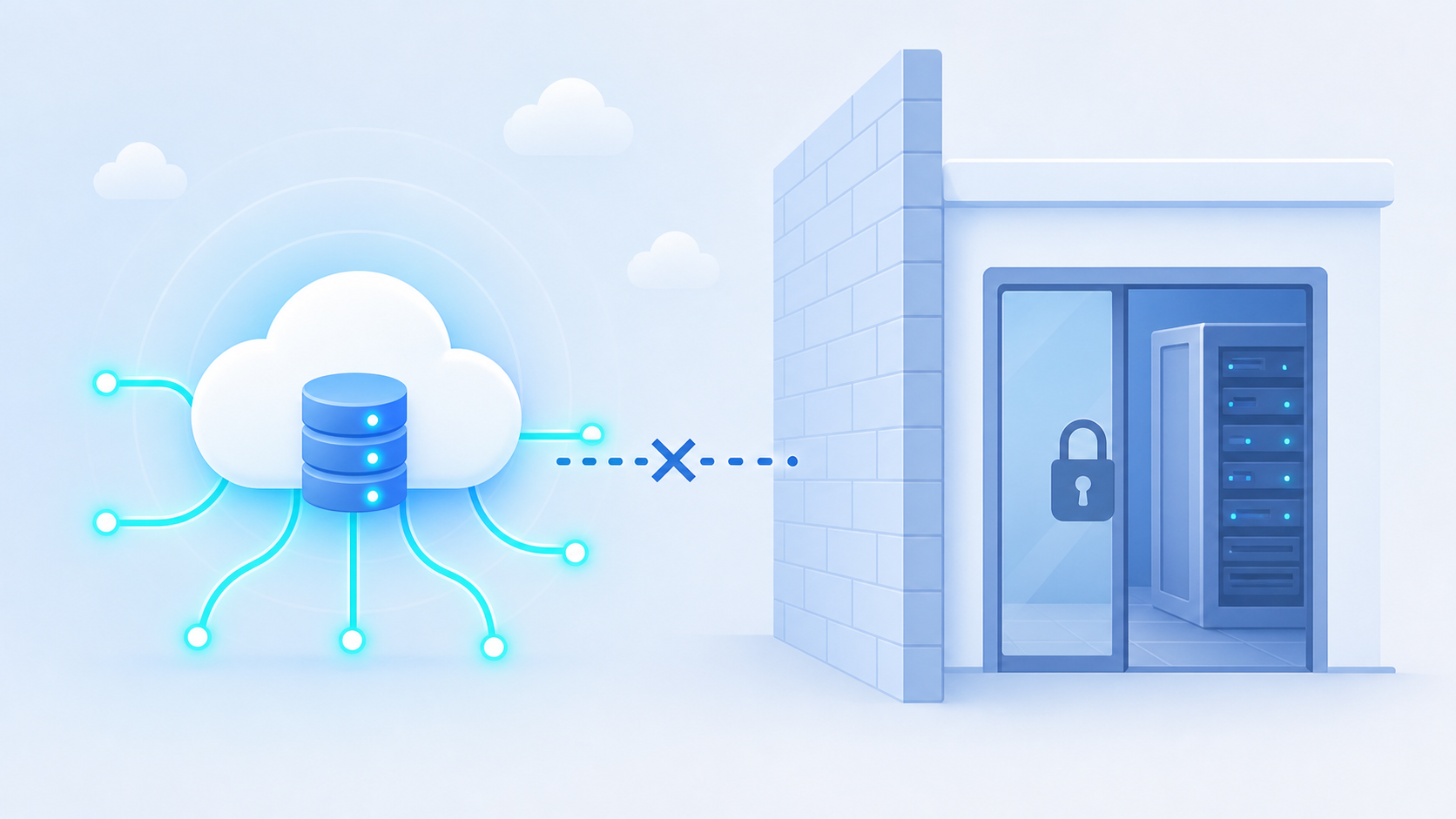
Sage 300 CRE, Sage 50, and Sage 200 share one architectural reality that breaks most standard integration approaches before they get started: there is no cloud endpoint to call.
Cloud-to-cloud integration tools assume both systems live on the internet. When one runs on a machine in a contractor's back office, that assumption collapses. Reaching inside a customer's network requires either a locally installed agent or a proxy that bridges the on-premise environment to your infrastructure.
Two things make on-premise Sage integrations a distinct engineering discipline:
- Network dependency: the connector lives on the customer's machine, so connectivity, firewall rules, and local permissions all affect sync reliability in ways you cannot control remotely.
- Software update fragility: on-premise accounting software updates can change database schemas or file structures, breaking connectors built against a specific version.
Most embedded iPaaS providers skip on-premise connectors entirely because the surface area is too unpredictable. That gap is where construction and real estate SaaS teams tend to get stuck, which is why we put together a guide on Sage 300 CRE integration for construction SaaS.
How hotglue Handles Sage 50, Sage 200, Sage 300, and Sage Intacct
Covering four Sage products in a single embedded integration means solving four different architectural problems. Here is how we handle each one.
Sage 300 CRE uses a connector that installs on-premise and connects directly to the local database, staying resilient across software updates. It supports writing jobs, vendors, and cost codes back, and syncs fiscal calendar data alongside them.
As detailed in our Sage 200 integration guide, Sage 200 connects through a cloud proxy, which bridges the customer's on-premise environment to your product. The connector supports reading and writing across products, product categories, customers, sales orders, invoices, and credit notes.
Sage Intacct syncs general ledger journals and reporting period data, with financial records delivered in hotglue's unified schema. Your downstream system receives records like Invoices, Bills, Journal Entries, and Accounts in a consistent shape regardless of which accounting tool a given customer runs.
Pricing is based on active tenants, not data volume, which matters when you have dozens of customers spread across Sage 300 and Sage Intacct. Across 38,000+ active tenants, hotglue processes roughly 10 billion records weekly. When a new Sage connector variation is needed, we can stand it up in one to two weeks from API access.
Final thoughts on Integrating With Sage's Product Family
Four Sage products, four different integration problems. Your path forward depends almost entirely on which one your customers are running and whether you need to write data back or just read it. The good news is that hotglue covers all four Sage products, both on-premise and cloud, with a unified schema, write support across the key objects, and tenant-based pricing that scales with your customer base. Book a demo if you want a faster way through it.
FAQ
Does Hotglue support Sage 50, Sage 200, Sage 300, and Sage Intacct, or just one of them?
Hotglue covers all four Sage products in a single embedded integration. Each uses a different connector architecture: Sage 300 CRE installs on-premise and connects directly to the local database, Sage 200 runs through a cloud proxy, and Sage Intacct syncs general ledger journals, reporting period data, and core financial records. Sage 50 supports batch sync patterns including Purchase Order writes.
How do I integrate Sage 300 CRE into my SaaS product when there's no cloud endpoint to call?
Sage 300 CRE requires a connector installed directly on the customer's machine, connecting at the database level instead of through an API. Hotglue's on-premise connector handles this architecture and stays resilient across Sage software updates, so a customer upgrading their local install won't break your sync. Write-back is supported for jobs, vendors, and cost codes, and fiscal calendar data is synced too, which supports common Procore-to-Sage 300 CRE workflows.
Sage Intacct REST API vs XML API: which should I build against in 2026?
Build new integrations against the Sage Intacct REST API. The XML API still works and existing integrations don't need to be rewritten, but Sage has signaled that documentation is moving to the new developer portal targeting FY27 R1, and the REST API uses standard HTTP verbs with a predictable URL structure that's easier to maintain long-term. Both require an active Web Services subscription in the customer's Sage Intacct account. If that's not activated, authentication fails before you get anywhere useful.
Should I use Sage's Advanced CRM Connector or build a custom Sage Intacct Salesforce integration?
The Advanced CRM Connector works well for standard sales-to-billing workflows (accounts, contacts, contracts, and billing records), but its $14,000 per year starting price makes it a substantial commitment before setup fees. Teams with custom objects, non-standard revenue recognition, or multi-entity setups frequently hit its edges. If your customers' data models are straightforward, the native connector is sufficient; if they're not, a custom integration path through an embedded iPaaS gives you the flexibility to handle bidirectional sync patterns outside Sage's defined scope.
How do I let my SaaS customers connect their own Sage ERP without my engineering team building each connector?
An embedded iPaaS moves the connector maintenance burden off your engineering team. API changes, schema drift, and on-premise architecture complexity are handled upstream instead of queued in your sprint backlog. Hotglue's Sage connectors ship as embeddable components, so your customers authenticate and configure the sync inside your product without knowing the integration layer exists. Pricing is based on active tenants instead of data volume, which keeps costs predictable as your Sage 300 and Sage Intacct customer base grows.