Your CS team hears the integration complaints first. Your engineers estimate the build cost. But who actually owns the decision to stop building connectors in-house and buy something instead? Across 70+ B2B SaaS deployments, the answer follows a pattern worth knowing.
TLDR:
- 84% of businesses call integrations a "key requirement" for their customers, so a missing connector can stall a deal before features even come up
- Connected customers churn less: a 5% retention lift can drive more than 25% profit growth
- The buying decision starts with CS and solutions engineers, but CPOs and Heads of Partnerships own the budget
- Tenant-based pricing is the easiest model to forecast; volume-based billing can spike as customers sync more often
- Hotglue serves 70+ B2B SaaS deployments across 38,000+ active tenants with on-prem connector support most providers skip
What Embedded iPaaS Actually Means for B2B SaaS
Embedded iPaaS is an integration layer that lives inside your product. The idea is simple: your customers connect their other tools directly inside your product, without ever leaving it.
Traditional iPaaS tools like Workato or Zapier hand the integration work to the end user. They leave your product, build a workflow in a separate app, and hope it holds together. Embedded iPaaS flips that by putting the connection experience inside your product's UI, branded as yours, invisible to the user as a third-party service.
For a B2B SaaS company, the practical difference matters. Your customer never sees "powered by [someone else]." They see your product handling their QuickBooks sync, their Salesforce data, their Shopify orders. The integration feels native because it is built into your product's surface, even if an embedded layer is running it underneath.
Embedded iPaaS vs. Traditional iPaaS: The Core Difference
The distinction comes down to who builds it, who uses it, and where it lives.
With traditional iPaaS tools like Zapier or Make, your customer leaves your product, opens a third-party app, and builds the workflow themselves. The integration lives outside your product, and your team has no visibility into whether it works, breaks, or gets abandoned.
With embedded iPaaS, your engineering team builds the integration once. It surfaces inside your product's own settings screen, authenticated and ready. Your customer connects their QuickBooks or Salesforce account without touching any external tool. The workflow runs in the background, invisible as infrastructure, visible as a feature.
Traditional iPaaS was designed for internal IT teams connecting internal systems, where the end user is a developer or ops person who wants to wire tools together. Embedded iPaaS is designed for SaaS vendors whose end users are customers, not engineers, and who expect integrations to feel native to the product they paid for, a distinction worth weighing against a unified API vs iPaaS approach.
Why Integrations Have Become a Deal-Breaker for B2B Buyers
According to the State of SaaS Integrations Report, 84% of businesses say integrations are a "key requirement" for their customers, and integrations rank as the #1 buyer consideration for customer success, marketing, and sales software. Only 1% of SaaS businesses surveyed said integrations are unimportant.
Buyers now review your integration catalog before they assess your core features. If your product does not connect to the tools your prospect already runs, the deal stalls or goes to a competitor who does. Integrations have moved from a differentiator to a baseline expectation, and the gap between what buyers want and what most SaaS teams can ship in-house is where embedded iPaaS vendors live.
The Integration-Retention Link: Why This Is a Revenue Problem
A product your customer uses to sync QuickBooks every night is harder to cancel than one they log into twice a week. That's the integration-retention link in one sentence.
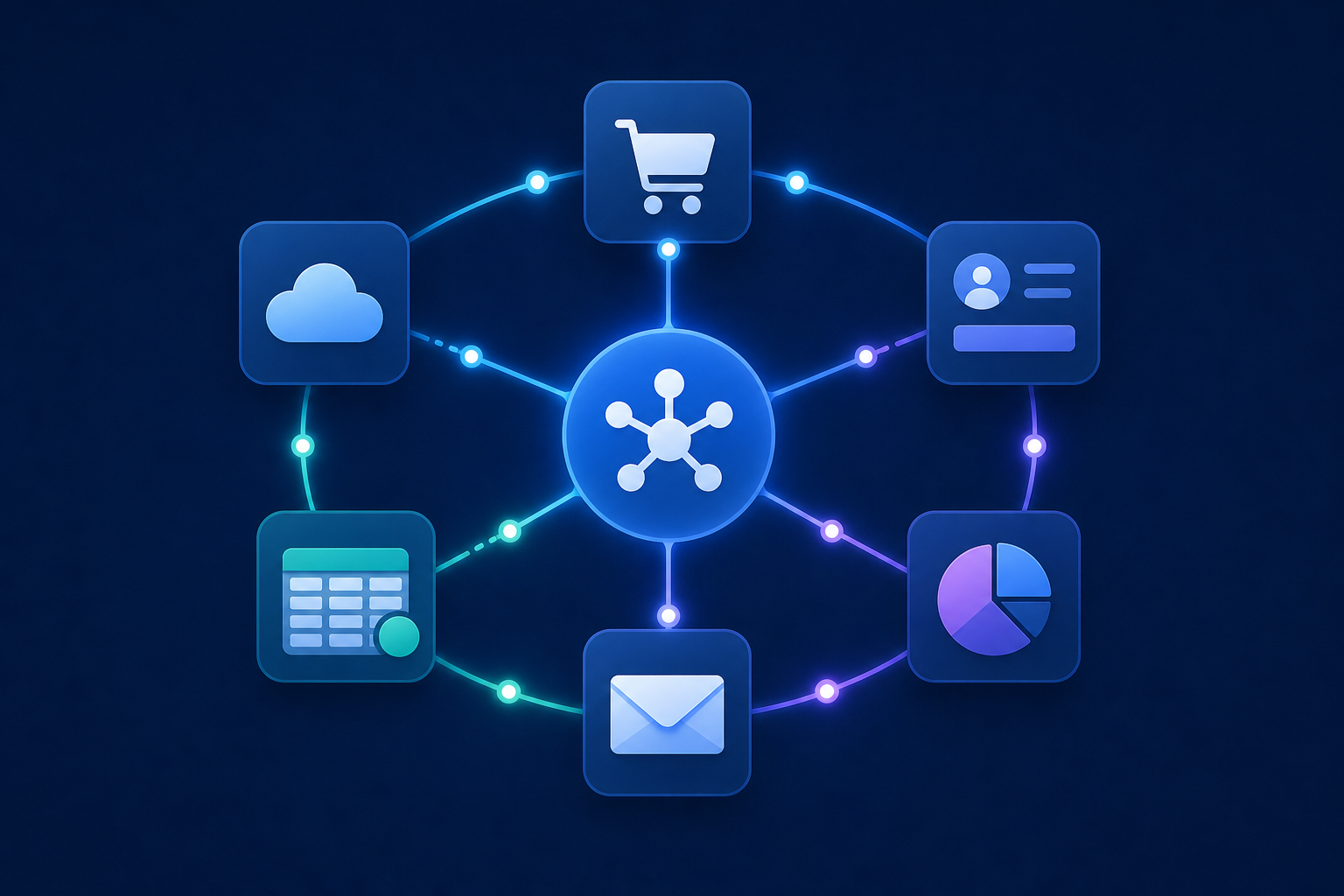
When a customer connects their accounting system, CRM, or e-commerce store to your product, they've built a live dependency. Replacing your product means re-plumbing those connections somewhere else, which is friction most customers will avoid if your product keeps working. The integration adds switching cost.
The business case backs this up. Research shows that high NRR drives measurably faster annual growth. Separately, 5% retention lift drives 25%+ profit growth. A connected customer is an active customer, and active customers churn less, which makes integration depth a meaningful input to retention, even if it's one factor among several.
Who Actually Decides to Buy an Embedded iPaaS
Integration buying decisions rarely start where you'd expect. The person who signs the contract often isn't the person who felt the pain first.
In most B2B SaaS companies, customer success and solutions engineering teams hear integration complaints long before anyone in product or engineering does. They're on the calls where prospects say "does this connect to NetSuite?" and on the renewal calls where customers flag missing connectors as a reason to churn. They feel the problem daily but rarely hold the budget.
The champion who actually pushes the evaluation forward is usually a Head of Partnerships or CPO. They own the roadmap, they're accountable for expansion revenue, and they're the ones watching deals stall over a missing QuickBooks connector. For them, integrations are a pipeline question, not a tech question.
Engineering leads and CTOs tend to enter later, often as skeptics. Their instinct is to build in-house, which is reasonable until you surface the real cost of maintaining integrations: API drift, schema changes, connector rebuilds, and months of maintenance pulling engineers off core product work. The conversation turns when you reframe embedded iPaaS as giving engineers more control, not less.
The Trigger: What Pushes a Team to Consider Embedded iPaaS
Urgency wins over strategy almost every time. Teams rarely wake up one morning and decide to audit their integration infrastructure. Something breaks, or more often, something fails to exist when a customer needs it.
The most common trigger is a single lost deal. A prospect asks "does this sync with NetSuite?" and the answer is "not yet." That not yet costs a renewal, and suddenly integrations become a roadmap priority. Sometimes the trigger is subtler: an integration backlog that keeps getting pushed to the next quarter until the CS team starts flagging it as a churn risk.
From our sales calls, the pattern is consistent. Companies come to us for one connector. One customer, one request, one gap. But once they see the underlying economics of building and maintaining even that one integration in-house, the conversation expands fast. API drift, schema changes, connector rebuilds after a third-party update: what looked like a two-week engineering task turns into a recurring maintenance burden nobody budgeted for. (Spoiler: “we’ll just build it ourselves” has never been the end of that sentence.)
The first conversation is almost always narrow. The second one rarely is.
The Build-vs-Buy Case for Native Integrations
Building one integration looks cheap until you maintain it for a year. The initial API connection might take two weeks. The ongoing work, keeping up with endpoint changes, schema drift, and edge cases like a customer running Shopify plus Loop Subscriptions, quietly consumes engineering time that was supposed to go elsewhere.
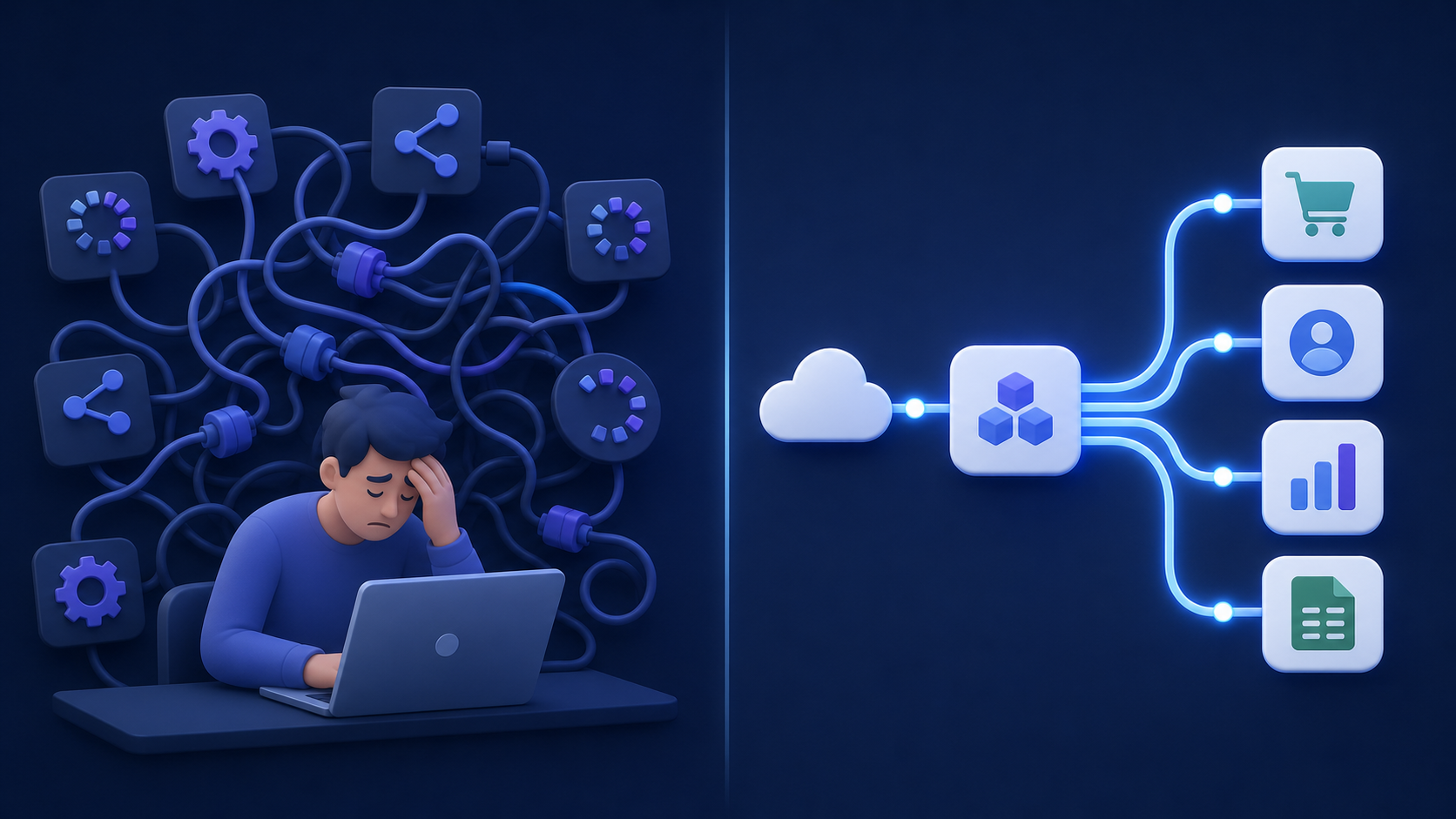
The scale problem compounds fast. Top SaaS companies average 350+ integrations. Multiply one connector's maintenance burden by dozens and you have a meaningful fraction of your engineering capacity spent on plumbing, not product.
Building in-house makes sense in a narrow set of cases: a single deeply proprietary integration with no off-the-shelf equivalent, or a team with dedicated integration engineers who own the catalog full-time, a tradeoff worth mapping against a full in-house vs embedded iPaaS framework. Outside those conditions, the math tips toward buying. An embedded iPaaS handles API monitoring, connector rebuilds, and schema updates as part of the service, so your engineers stay focused on what they were hired to build.
Core Features to Assess in an Embedded iPaaS
The table below covers the core feature areas worth assessing when selecting an embedded iPaaS for B2B SaaS.
| Feature Area | What to Assess |
|---|---|
| Connector library | Breadth of pre-built connectors, open-source vs. black-box, on-prem support |
| White-label flexibility | Full brand control, no third-party UI exposed to end users |
| Multi-tenant model | Per-tenant isolation, tenant-scoped jobs and credentials |
| Auth handling | OAuth, API keys, PKCE managed on your behalf |
| Transformation layer | Code-based (Python) vs. no-code only; custom logic support |
| Monitoring | Job health visibility, error alerting, stalled-job detection |
| Pricing structure | Per-tenant vs. volume-based; predictability at scale |
A few of these deserve more than a checkbox. Connector depth sounds simple until you hit a customer running QuickBooks Desktop or Sage 300 CRE integration needs, systems most embedded iPaaS providers skip because on-prem connectors are hard to build and maintain. If your customers operate in accounting, construction, or nonprofit verticals, on-prem support becomes a hard filter.
Transformation capability is the other area worth looking at closely. Some providers offer mapping-only configuration, while others give you a Python layer for custom logic, joining across sources, and handling edge cases no pre-built connector will anticipate. The further your customers' data models deviate from generic schemas, the more that flexibility matters.
Pricing structure affects your unit economics in ways that compound over time. Volume-based billing can spike unpredictably as customers grow more active. Tenant-based billing ties your integration cost to customer count, a number you can model and manage. Ask prospective providers which metric drives your bill and what happens when a single tenant runs frequent syncs.
How Embedded iPaaS Pricing Models Actually Work
Most embedded iPaaS providers structure pricing around one of four models: per active tenant, per data volume, per connector, or a flat fee with usage tiers.
Per-tenant pricing ties integration cost to customer count, which scales predictably alongside revenue. Per-volume billing looks cheap early but spikes when active customers run frequent syncs. Per-connector fees penalize catalog expansion, so every new integration added costs more even if only a handful of customers use it, which is why per-tenant pricing is worth understanding before you sign.
The CPO's concern is proportionality: integration costs should grow with revenue, not ahead of it. Tenant-based billing is the cleanest model here because you can model it. If you close 50 new customers next quarter, you know roughly what your integration bill looks like. Volume-based billing makes that math nearly impossible, especially across mixed segments where enterprise customers run high-frequency syncs and SMBs run weekly ones.
Two things to pressure-test with any vendor: how they count active tenants (rolling 30-day windows vs. calendar month snapshots make a real difference at the margins), and whether a single tenant connecting multiple connectors counts as one tenant or several. See how per-tenant pricing compares across vendors for a side-by-side.
With hotglue, one tenant connecting to Shopify and QuickBooks simultaneously counts as one tenant, not two.
On-Premise and Legacy System Support: The Often-Overlooked Requirement
Cloud-only connector libraries look complete until an enterprise customer asks about QuickBooks Desktop or Sage 300 CRE. Those systems don't have REST APIs you can call from the cloud. They run on-premise, connect to local databases, and require a connector that installs on the customer's machine.
Most embedded iPaaS providers skip this entirely. On-prem connectors are harder to build, harder to maintain, and don't fit a cloud-native architecture cleanly. The result is a library that covers Salesforce and HubSpot beautifully but leaves construction companies, nonprofits, and mid-market manufacturers with nothing.
The verticals where this bites hardest are predictable: construction SaaS customers running Sage 300 CRE, nonprofit buyers who expect Raiser's Edge or QuickBooks Desktop exports, and manufacturers whose ERP never moved to the cloud because there was no business reason to migrate, which is exactly the scenario covered in a guide to building ERP integrations. For SaaS vendors selling into these segments, on-prem support is a filter that eliminates most providers from the shortlist before a demo ever happens.
How Embedded iPaaS Fits the Vertical SaaS Context
Vertical context shapes integration requirements more than most buyers realize before they start comparing providers.
A nonprofit fundraising SaaS and a construction project management tool both need integrations, but the overlap in their connector lists is close to zero. The nonprofit team needs Salesforce, Mailchimp, and Raiser's Edge. The construction company needs QuickBooks Desktop, Sage 300 CRE, and CMiC. An e-commerce tool like Linnworks needs Shopify, Amazon, Faire, and TikTok Shop, with data models that bear no resemblance to what a payroll SaaS syncs to Workday or ADP.
Connector coverage is the obvious dimension. The less obvious one is transformation complexity. Generic field mapping handles easy cases. The edge cases, which in vertical SaaS show up constantly, require a transformation layer with actual code behind it. Python-based scripts let you handle nested JSON, multi-source joins, and customer-specific field variations that no pre-built schema anticipates.
Assessing an embedded iPaaS on connector count alone is the wrong approach, especially once you factor in connector stickiness. The more useful question is whether the provider has depth in your specific vertical, including the on-prem and legacy systems your customers actually run, and whether the transformation layer can handle the data model complexity your category demands.
How hotglue Powers Native Integrations Across 70+ B2B SaaS Deployments
Hotglue was built directly for the buyer profiles described throughout this post: product and partnerships leaders at B2B SaaS companies who need native integrations without turning their engineering team into a connector maintenance crew. Across 70+ B2B SaaS customers and 38,000+ active tenants, hotglue processes roughly 10 billion records weekly.
The features map directly to what those buyers actually care about:
- Tenant-based pricing with a 30-day rolling window, so a single customer connecting Shopify and QuickBooks counts as one tenant, not two
- Open-source connectors with full codebase visibility and no black-box lock-in
- Python-powered transformations, with GluestickAI generating the code for complex joins, nested JSON, and vertical-specific edge cases
- On-premise depth that competitors skip: QuickBooks Desktop, Sage 300 CRE, and Sage 200 are all supported
The results are concrete. Chargebee reduced integration implementation time by roughly 90%. Inventoro shipped 40+ integrations in its first three months after previously averaging roughly one integration per six months in-house.
Most partnerships start exactly where you'd expect: one customer, one missing connector, one deal at risk, the same pattern described in our SaaS integration pricing and retention guide. Hotglue gets that connector live, and the catalog grows from there as the next request surfaces, then the next.
Final Thoughts on the Embedded iPaaS Buying Decision for SaaS Teams
Most teams arrive at this decision reactively, and that's fine. One missing connector surfaces the problem, and the economics do the rest of the work once you map out what in-house maintenance costs over twelve months.
The connector library, transformation depth, pricing model, and on-prem support are the filters worth applying before a demo, not after.
Hotglue is built for exactly this: a fully white-labeled, multi-tenant embedded iPaaS with open-source connectors, Python-powered transformations, on-prem support most providers skip, and tenant-based pricing that stays predictable as you scale. It's the strongest option on the market for B2B SaaS teams that want native integrations without the maintenance overhead.
If you want to see how hotglue handles your specific vertical, start with a demo and bring your messiest use case.
FAQ
How do I add QuickBooks Desktop integration to my SaaS product without building it in-house?
Hotglue supports QuickBooks Desktop via a Windows agent and the QuickBooks Web Connector, handling the on-premise complexity that cloud-only providers skip entirely. Most embedded iPaaS vendors avoid on-prem connectors because they're hard to build and maintain. Hotglue ships and maintains them as part of the service, so your engineering team doesn't inherit that burden. If your customers run QuickBooks Desktop, Sage 300 CRE, or similar legacy systems, on-prem connector support should be your first filter when comparing providers.
What is the build-vs-buy case for native integrations in a B2B SaaS product?
Building one connector looks like a two-week task until you're 12 months into maintaining it through API endpoint changes, schema drift, and third-party update cycles. At scale, that maintenance burden compounds: if your catalog grows to 20 connectors, a meaningful fraction of your engineering capacity goes to plumbing instead of product. Buying through an embedded iPaaS like Hotglue moves that maintenance to the vendor, so your engineers stay focused on what they were hired to build.
Which embedded iPaaS tools have open-source connectors I can inspect and customize?
Hotglue's connector library is open-source, giving your engineering team full visibility into the codebase instead of a black box you have to trust blindly. This matters most when you need to audit connector behavior, customize transformation logic, or verify how your customers' data is being handled. Most embedded iPaaS providers keep connectors proprietary, which creates lock-in and limits your ability to extend or debug them.
How do I build integrations for my SaaS product to reduce churn and increase expansion revenue?
A customer who syncs QuickBooks nightly or pulls Salesforce data on a schedule has built a live dependency on your product, which raises the cost of switching away. Shipping native integrations through an embedded iPaaS is one of the cleaner ways to deepen that dependency without pulling your engineering team off core product work.
How should integration pricing be structured so costs stay proportional as my SaaS scales?
Per-tenant pricing is the most predictable model because your integration bill grows in line with customer count, a number you can forecast. Volume-based billing looks cheaper early but spikes unpredictably when enterprise customers run high-frequency syncs. With Hotglue's tenant-based model, a single customer connecting both Shopify and QuickBooks counts as one tenant, not two, and billing uses a 30-day rolling window to avoid double-counting across month boundaries.