Most SaaS teams think about integrations as something buyers ask for, not something you price around. But if you look at which deals went cold and why, and which accounts churned after a quiet renewal conversation, a pattern shows up pretty fast. This post is about how to read that pattern and actually do something with it.
TLDR:
- Missing integrations kill deals at technical review before legal ever sees the contract
- Integration depth is the most direct lever on customer retention and LTV
- Gate connectors by business impact, not build complexity, to support higher-tier pricing
- The real cost of building integrations in-house is the maintenance tail, not the initial build
- Hotglue lets SaaS teams ship new connectors in one to two weeks and prices under 10% of customer MRR
Why Integrations Are a Revenue Lever, Not a Feature
The average company now runs 275 applications, and enterprise buyers expect integrations before they sign. That means integrations aren't a feature request sitting in your backlog. They're a procurement gate.
When a buyer's InfoSec team, end users, and procurement committee all have veto power, a missing connector isn't a minor gap. It's a deal killer. Native integrations with tools a buyer already relies on remove friction at exactly the moment skepticism is highest.
The downstream effect compounds across three revenue levers from one product investment: whether a deal closes, what price the market will bear, and whether customers stick around long enough to expand.
How Missing Integrations Kill Deals Before They Close
Technical evaluations have a predictable ambush point. The champion loves your product, the demo went well, and then someone from IT or finance asks how your tool connects to their Workday instance. If your answer involves a roadmap, that deal is likely gone.
45 percent of enterprise SaaS purchasing decisions require SSO as a non-negotiable security baseline, and SSO is just one gate. Buyers have increasingly specific stack expectations across the board, and procurement committees have learned to ask about integration requirements explicitly during technical review.
The people raising these questions are the InfoSec lead, the IT admin, or the finance team who lives inside the tool you don't connect to yet. Your champion can't save you here. The veto lands before legal ever sees the contract.
"If your answer is that native connectivity is on the roadmap, you have already lost."
Win rates drop when integration gaps surface late. Worse, deals that stall at technical review rarely come back. The prospect moves to a competitor who demoed the Salesforce sync live, and your champion quietly stops responding to follow-ups.
How Integrations Reduce Churn by Creating Real Switching Costs
Satisfaction is an opinion. A running Salesforce sync is a dependency.
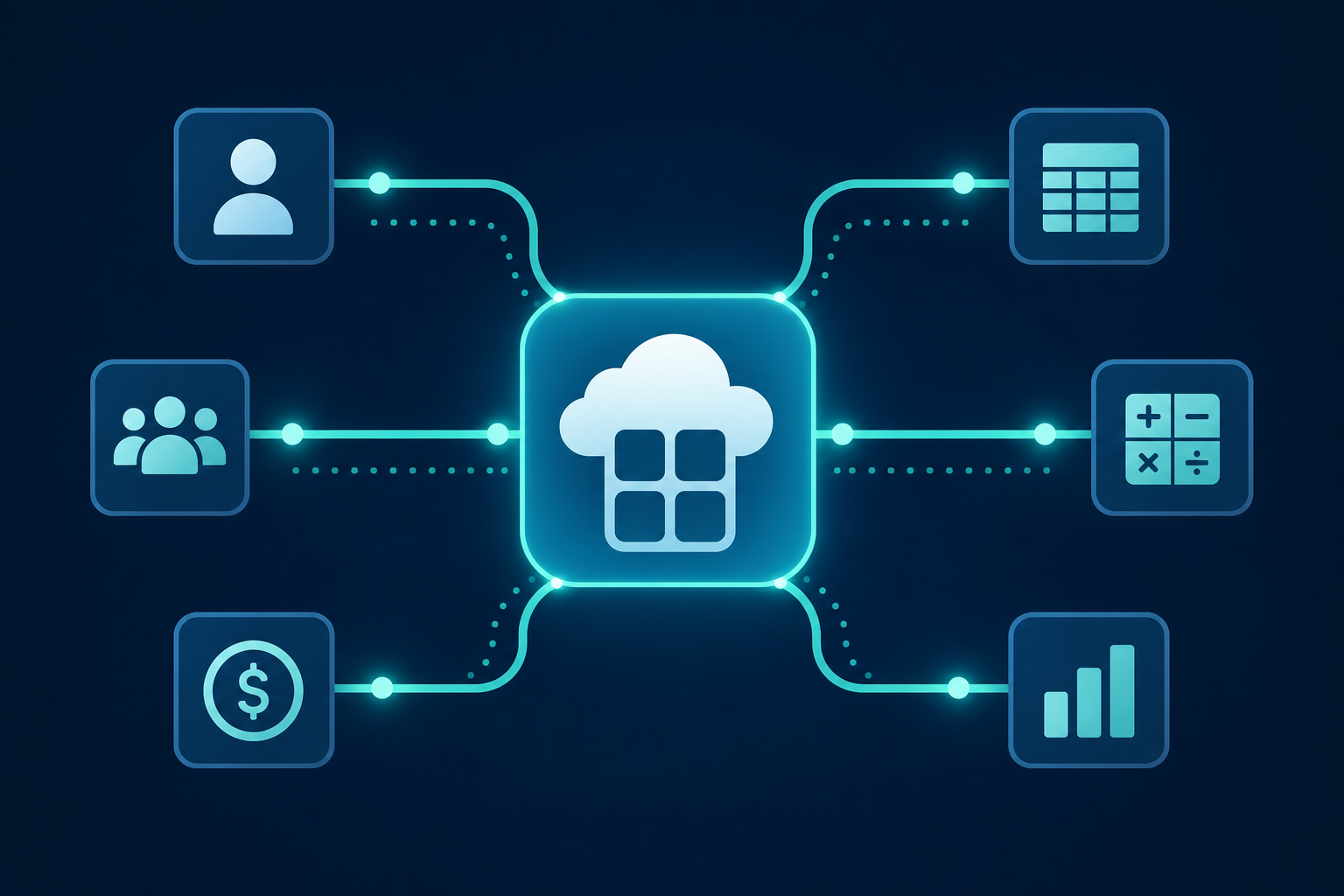
When a customer's daily workflows route through your product, switching stops being a simple decision. It becomes a migration project. They'd have to re-authenticate connectors, re-map fields, re-train their team, and rebuild the data flows they've spent months tuning. That accumulated weight is what keeps customers on renewal calls saying yes instead of shopping around.
The financial logic is hard to argue with. Bain & Company research found that increasing customer retention by just 5% can boost profits by up to 95%. Integrations are one of the few product investments that directly move that number, and SaaS integration stickiness is exactly what separates accounts that renew from those that quietly churn.
Stickiness compounds with each additional connector. A customer with one active integration has mild switching friction. A customer with QuickBooks Online, Salesforce, and Paylocity all syncing daily has built your product into their financial and day-to-day infrastructure. That account won't churn over a pricing bump or a competitor's cold email.
Satisfaction metrics like CSAT scores tell you how customers feel right now. Integration depth tells you whether they'll leave at renewal.
Which Integrations Actually Move the Revenue Needle
Not all integrations carry equal weight, and the prioritization mistake most teams make is treating them like they do. A Salesforce sync that runs every hour is load-bearing infrastructure. A CSV export button is a convenience.
The fastest way to find your highest-impact gaps is to look backward: which deals mentioned a missing connector before going cold, and which churned accounts flagged integration problems in exit conversations? That data already exists in your CRM and CS notes. It just rarely gets pulled into roadmap discussions.
From there, the filter is straightforward:
- Does the connector touch a workflow the customer runs daily?
- Does it appear repeatedly across lost deal notes or churn reasons?
- Does it come up during enterprise technical evaluations?
A QuickBooks Online sync that three enterprise prospects asked about in the same quarter is a revenue problem disguised as a product request. A niche export that one customer mentioned once is not.
Using Integrations to Support Higher Pricing
Integrations give you pricing architecture that's hard to build any other way. A customer who needs your Salesforce sync will pay more than one who doesn't, and that willingness is based on something concrete: the connector is doing real work inside their operation.
The most common structures that actually hold up in sales conversations:
- Integration-inclusive plans: higher tiers come with a broader connector set baked in, giving buyers a clear reason to upgrade beyond just "more features"
- Premium connector bundles: group high-value connectors (ERP, payroll, CRM) as an add-on that sits above your base plan
- Per-connector fees: charge incrementally as customers activate new integrations, aligning cost to value delivered
- Enterprise gates: reserve specific connectors, like Workday or NetSuite, for your highest tier to anchor enterprise ACV
The pricing conversation changes when you can point to a specific connector and say "this is what's included at this tier." Vague capability claims don't hold in procurement reviews. A named QuickBooks Online or Paylocity sync does.
One rule worth following: gate connectors by business impact, not build complexity. Buyers don't care how hard a connector was to build. They care whether it touches a workflow they run every day.
Embedding Integrations into Your Land-and-Expand Motion
Land-and-expand only works if there's something to expand into. Integrations give you that surface area.
A customer who activates their first connector in week one is embedding your product into a real workflow. That's the account you upsell six months later, because by then your product is wired into how their team actually operates. The customer who skips integration setup is the one who churns quietly at renewal.
Customer success teams should treat connector activation as a health signal. If an account is 45 days in with zero active integrations, that's a warning sign worth a proactive call, not a note in the CRM.
A few design principles that move the needle here:
- Make the first integration part of the default onboarding flow, not an optional step buried in docs.
- Trigger a CS touchpoint when a second connector activates, because that's the moment expansion conversations get traction.
- Track integration depth by account in your CRM alongside ARR, not separately from it.
The accounts with the highest NRR are rarely the ones with the most seats. They're the ones running daily syncs across QuickBooks, Salesforce, or Paylocity, with your product sitting at the center of that data flow.
Build vs. Buy: The Hidden Cost Equation
Engineering can build it. That's almost always true. The real question is what they can't build while they're doing it, and the answer is usually whatever was on the roadmap before this integration request showed up (plus at least two features your sales team promised last quarter). The iPaaS vs. in-house decision framework breaks down exactly where each path makes sense.
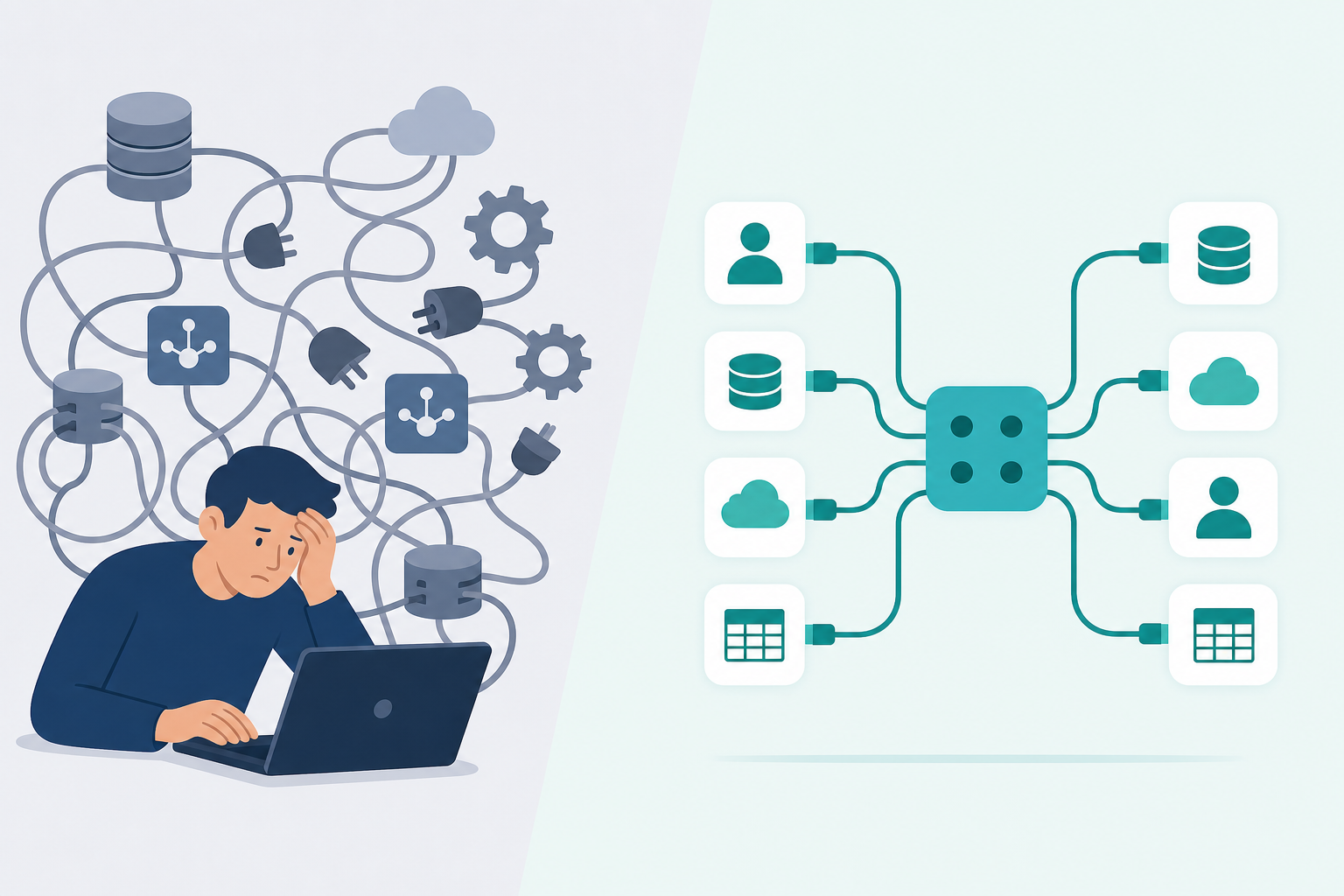
The hidden cost of in-house integrations isn't the initial build. It's the maintenance tail. Third-party APIs change endpoints, deprecate fields, and push schema updates with little notice. Every time that happens, someone on your team stops what they're doing to fix a broken sync before a customer notices. Multiply that across a connector catalog of ten or twenty integrations and the maintenance burden starts consuming meaningful engineering capacity.
A few line items that rarely appear in the original build estimate:
- API versioning: vendors like Salesforce and QuickBooks push breaking changes on their own schedule, and your team inherits the cleanup
- Schema drift: a customer running Shopify with Loop Subscriptions may need an entirely rebuilt connector compared to vanilla Shopify
- Edge-case configs: enterprise customers often have custom fields, non-standard objects, or legacy ERP setups that require bespoke mapping logic
- Opportunity cost: every sprint allocated to connector maintenance is a sprint not spent on core product
The internal case for buying instead of building isn't about whether your engineers are capable. It's about whether connector maintenance is the best use of their time at your current stage of growth.
Commercial Models for Passing Integration Costs to Customers
Three models dominate how SaaS teams recover integration costs without making buyers feel nickel-and-dimed.
Baked into Onboarding or Implementation Fees
Charge a one-time setup fee that covers connector configuration, field mapping, and go-live support. Buyers expect implementation costs, so this framing rarely creates friction. The integration cost disappears into a line item that already has precedent in the sales motion.
Tiered Subscription Plans
Gate connectors behind plan tiers. Your base plan handles core workflows; your growth or enterprise tier unlocks QuickBooks Online, Salesforce, NetSuite, or Paylocity. Buyers self-select into higher tiers based on the connectors they need, and your ACV climbs without a separate negotiation.
White-Label or Reseller Structures
A partner bills the end customer directly for integration access, then purchases connector capacity from you at wholesale. The end customer never sees your name. The partner controls margin and customer perception. This works well when the partner already owns the billing relationship and wants integration as a value-add they can price independently. See white-label integrations in practice for how this looks end-to-end.
| Model | Best For | Revenue Implication |
|---|---|---|
| Onboarding fee | High-touch, implementation-led sales | One-time revenue, easier buyer acceptance |
| Tiered plans | Product-led or self-serve motion | Recurring ACV lift tied to plan upgrades |
| White-label / reseller | Partner-channel or OEM relationships | Wholesale margin; partner controls end pricing |
The right model depends on your sales motion. CS-heavy, consultative teams tend to recover costs through implementation fees. Product-led teams do better gating connectors by tier.
How hotglue Helps SaaS Companies Charge More and Churn Less
Hotglue was built around the exact mechanics this post describes. The 70+ B2B SaaS teams running on hotglue aren't using integrations as a checkbox. They're using them to close enterprise deals, retain accounts, and command higher tiers.
A few concrete examples of what that looks like in practice:
- Rillet runs bidirectional Paylocity and Airbase syncs through hotglue, giving their customers journal entry automation that sits inside real accounting workflows.
- Linnworks powers their Faire marketplace integration through hotglue, syncing orders, inventory, and fulfillment for e-commerce operations teams who need that connection to run their day.
- Tipalti processes bidirectional payee and bill sync through hotglue at a scale that reflects what integration depth actually looks like in enterprise accounts.
Across 38,000+ active tenants and roughly 10 billion records weekly, the infrastructure behind integration uptime is already proven at that load.
No other embedded iPaaS prices under 10% of customer MRR while offering 650+ connectors and SOC 2 Type II compliance out of the box. That combination is what makes hotglue the practical choice for SaaS teams who need integration depth without the margin hit or the security veto.
On the commercial side, tenant-based pricing keeps costs predictable as your customer base grows. Hotglue prices to stay under 10% of a customer's MRR, so integration costs don't become a margin problem. New connectors go live in one to two weeks from API access, which means integration backlogs stop being a reason deals go cold or renewals get questioned.
Open-source connectors remove the black-box maintenance problem entirely. When Salesforce or QuickBooks pushes a breaking API change, your team isn't inheriting the cleanup. SOC 2 Type II compliance means the security veto that kills enterprise deals at procurement never lands in the first place.
Final Thoughts on Growing Revenue Through Embedded Integrations
Integrations aren't a side project. They're some of the most load-bearing infrastructure your product runs on, and treating them that way changes how you price, sell, and retain. The good news is you don't have to build and maintain all of it yourself. Chat with the hotglue team to see what that looks like for your product.
FAQ
How do I build SaaS integrations that let me charge more and reduce churn at the same time?
Gate your highest-value connectors (QuickBooks Online, Salesforce, Paylocity, NetSuite) behind higher plan tiers, and make connector activation a default step in onboarding instead of an optional one. Customers running daily syncs across multiple connectors build your product into their workflows, which creates real switching costs and gives you concrete grounds for premium pricing. Hotglue's tenant-based pricing is structured to stay under 10% of a customer's MRR, so the cost of adding integration depth doesn't erode the margin you're trying to protect.
What is the difference between a unified API and an embedded iPaaS for SaaS integrations?
A unified API normalizes data from multiple sources into a single schema, which simplifies reads but limits how much control you have over field mapping, sync logic, and edge-case configs. An embedded iPaaS like Hotglue sits inside your product and handles authentication, scheduling, transformation, and delivery, giving your team full control over how customer data flows without owning the connector maintenance. If your customers have non-standard ERP setups, custom fields, or on-premise systems like QuickBooks Desktop or Sage 300 CRE, an embedded iPaaS handles the complexity that unified APIs typically can't reach.
How do I let my SaaS customers connect their own ERP without my engineering team building each connector?
Use an embedded iPaaS that ships with a pre-built connector library and handles API maintenance on your behalf. Hotglue covers 650+ connectors (including QuickBooks Online, NetSuite, Microsoft Dynamics 365, Acumatica, and Sage 300 CRE) and can stand up a new connector in one to two weeks from API access, so integration backlogs stop being the reason deals go cold. Your engineering team defines the transformation logic; Hotglue owns the connector upkeep when Salesforce or QuickBooks pushes a breaking API change.
How do you build the internal business case for an embedded iPaaS when your engineering team prefers building integrations in-house?
The build-vs-buy case rarely comes down to whether your engineers can build a connector. It comes down to what they stop shipping while they're doing it. Every sprint spent fixing a broken Shopify or HubSpot sync after an API deprecation is a sprint not spent on core product, and that maintenance tail compounds across ten or twenty connectors. The stronger framing for skeptical engineering teams is that an embedded iPaaS gives them more control over transformation logic and data mapping, not less, while eliminating the unplanned work of schema drift, endpoint changes, and edge-case configs that don't show up in the original build estimate.
What commercial models work best for passing integration costs to SaaS customers without creating friction in the sales process?
See the Commercial Models section above for a full breakdown of onboarding fees, tiered plans, and white-label structures.