Your integration backlog feels like a product problem. Build the connector, ship it, close the ticket. But each one-off build adds to a stack that nobody fully owns, and the maintenance cost doesn't show up until months later when a sync fails silently and a customer notices before your team does. There's a better way to think about this.
TLDR:
- Fragmented in-house integration builds fail quietly via sync errors, schema drift, and silent data loss.
- Salesforce ships 3 major API versions per year; each one can reopen connectors your team thought were closed.
- On-premise systems like QuickBooks Desktop and Sage 300 CRE have no REST API, making cloud-only builds impossible.
- Open-source Singer and Airbyte connectors let you fork and extend a working connector instead of building from scratch.
- Hotglue covers 650+ open-source connectors, including on-premise edge cases, with new connectors live in 1-2 weeks.
What Fragmented SaaS Integration Ecosystems Actually Look Like
Your first integration request feels manageable. A customer needs QuickBooks Online, so your team builds it. Then the next customer needs NetSuite. Then Salesforce, HubSpot, Shopify, and Dynamics 365. Each one ships as a one-off project, owned by whichever engineer had bandwidth that sprint.
That's how fragmentation starts. Over time, you end up with a collection of connectors built at different points, by different people, using different patterns. Some handle schema changes gracefully. Others break silently. None of them share infrastructure, monitoring, or a unified error model. The integration "ecosystem" is really just a pile of independent builds held together by institutional memory and luck, which, for the record, are two things that don't appear on any architecture diagram.
This lands squarely on the CPO or Head of Partnerships to untangle. By the time it surfaces as a customer escalation, it's already your problem. Engineering built it, but you're the one fielding the "why is our data wrong?" call at 4pm on a Friday.
Why In-House Integration Builds Start Strong and Break Later
The first connector ships clean. Engineers scope it tightly, handle the happy path, and move on. For a few months, nothing breaks. This is the deceptive part.
The trouble arrives quietly. Salesforce pushes an API version deprecation. A customer runs a non-standard Shopify configuration the connector never anticipated. Another customer adds Loop Subscriptions on top of their base Shopify setup, and suddenly the whole connector needs rebuilding. As uxcontinuum.com notes, integration cost is one of the most consistently underestimated line items in a software budget, because the first integration always looks like a small project.
By month nine, the engineer who built it has moved to a different team, the documentation is sparse, and the next sprint is already overbooked with product work. Nobody planned for this. Somehow, nobody ever does.
The Hidden Costs That Never Show Up in the Initial Estimate
API versions drift. Customer instances diverge. The developer who built the connector leaves. Each of these is a cost that rarely appears in the kickoff estimate, but all of them land on your engineering team eventually.
Salesforce releases three major API versions per year. Stripe pushes breaking changes on its own cycle. Each release can reopen what everyone assumed was a closed project. Schema drift adds another layer: one customer's QuickBooks setup looks nothing like the next one's, and a connector built for the standard case quietly fails on the edge case.
There's also the knowledge-transfer problem. As exalate.com documents, when the developer who built the integration leaves, the next team has to re-learn the system from scratch before they can touch it. As uxcontinuum.com details, none of this shows up in the initial scoping conversation.
Long-Tail Connector Coverage: The Problem Nobody Budgets For
The first five integrations feel like a solved problem. Salesforce has excellent API docs. QuickBooks Online is well-trodden territory. Shopify has a massive developer ecosystem. Your team builds these and reasonably concludes that integrations are just a backlog item, not a structural risk.
Then request number twelve arrives, and this is exactly the moment product teams building ERP integrations need a framework: Sage 300 CRE. Or Acumatica. Or a regional accounting system three of your construction-vertical customers rely on. These connectors have sparse documentation, inconsistent APIs, and in some cases require software installed directly on the customer's machine. QuickBooks Desktop, for instance, routes through a Windows agent and the QuickBooks Web Connector. No cloud endpoint. No REST API. Just an on-premise install your in-house team now has to maintain.
This is where the long-tail breaks the build. Each niche connector is its own research project, and ten of them can consume more engineering time than the first five mainstream ones combined.
How Fragmentation Compounds Across Customer Segments
Enterprise customers rarely run off-the-shelf configurations. A mid-market manufacturer using Dynamics 365 Business Central looks nothing like a professional services firm on Dynamics 365 Finance. Same vendor, same connector on paper, but different modules, different data models, and different field mappings that have to be handled separately. When both land in your backlog in the same quarter, your team is effectively building two connectors, not one.
That pattern repeats across every vertical you enter. Each new customer segment brings its own ERP configuration, its own chart of accounts structure, its own edge cases. Every variation is a fork, and every fork is a maintenance commitment that compounds silently until an API change forces someone to audit connectors that were marked done months ago.
The surface area grows faster than any sprint board can track it.
What Breaks First: Sync Failures, Schema Drift, and Silent Data Errors
Fragmented integration stacks fail in predictable ways. The problem is that they fail quietly.
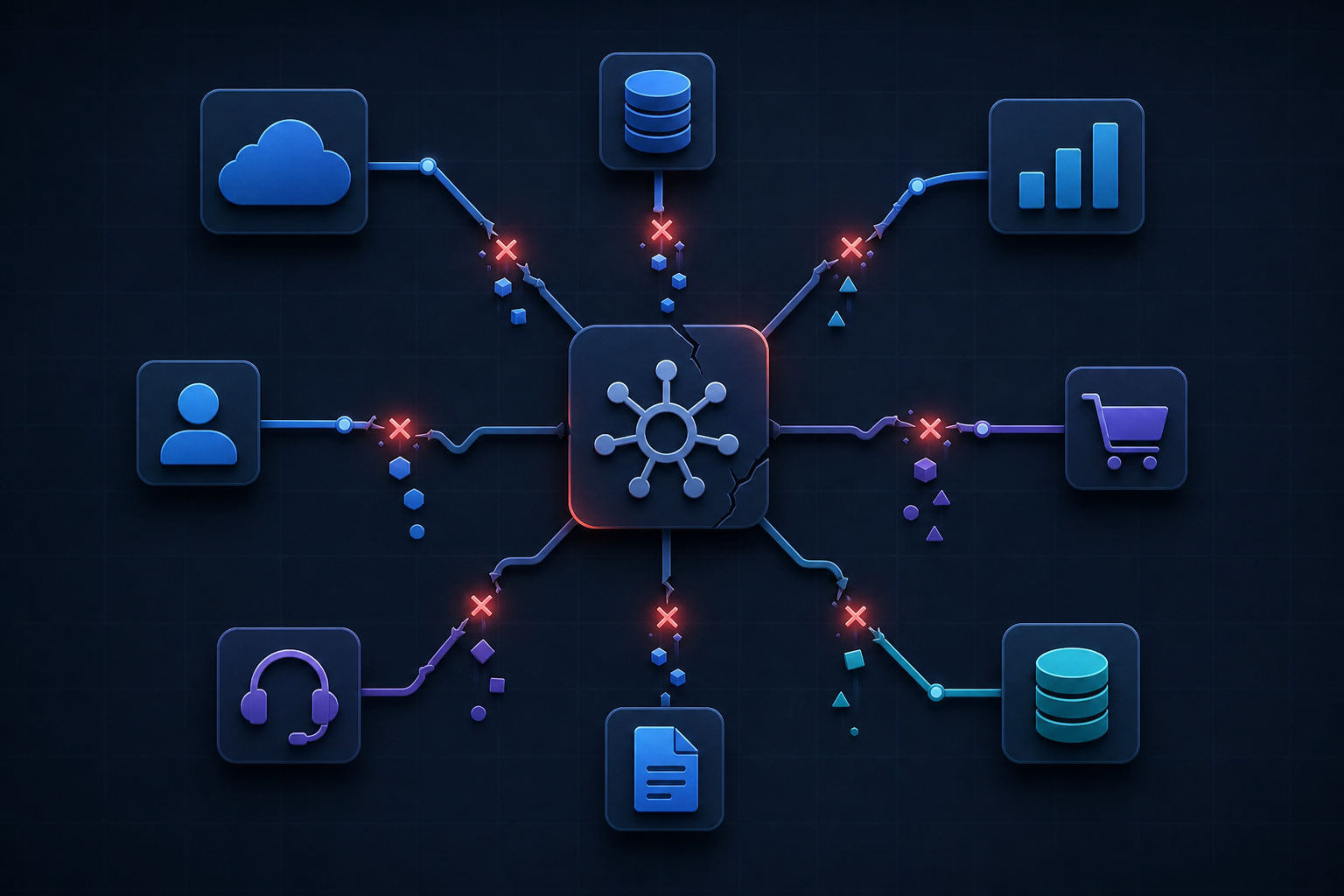
Scheduled sync jobs are the first to go. A third-party API returns a new required field, the connector errors out, and the job stops running. No alert fires. No ticket gets created. A customer notices their data is three weeks stale and opens a support ticket, which lands on your CS team, who escalates to engineering, who finds the connector has been silently failing since the last API update. That's a two-hour diagnosis for a five-minute fix.
Schema drift is the slower version of the same problem. Salesforce renames a field. Stripe restructures a nested object. The connector still runs, still reports success, but now maps the wrong value into your system. Records land in the wrong fields for weeks before anyone notices a reporting anomaly.
Deduplication errors close out the trio. When a sync job runs twice against a record it cannot reliably identify, you get duplicate customers, doubled invoices, or overwritten history. Rebuilding that data manually costs more than the integration ever saved.
The unifying pattern: all three surface as customer complaints, not engineering alerts. By the time a fragmented in-house build develops the monitoring to catch them, the damage is already done.
The Build-Versus-Buy Framework for Integration Decisions
Four questions cut through most of this debate:
- How many connectors do you need over the next 24 months, and is that number likely to grow as your customer base expands into new verticals?
- What does one engineer sprint actually cost, fully loaded, when you factor in salary, benefits, and opportunity cost against your product roadmap?
- How stable are the upstream APIs you're targeting, and do you have the bandwidth to absorb breaking changes when they inevitably ship?
- Who maintains it when the engineer who built it leaves?
| Factor | In-House Build | Embedded iPaaS (e.g. hotglue) |
|---|---|---|
| Connector coverage | Limited to what your team can scope and ship | 650+ open-source connectors available out of the box |
| Time to first connector | Weeks to months depending on API complexity | New connectors stood up in 1 to 2 weeks from API access |
| API version maintenance | Your engineers absorb every breaking change (e.g. 3 Salesforce versions/year) | Provider handles upstream API updates and deprecations |
| On-premise / legacy systems | Requires building and owning agent infrastructure (QuickBooks Desktop, Sage 300) | Pre-built connectors for on-premise installs and cloud-proxy approaches |
| Schema variation across customers | Each variation is a fork an engineer must maintain | Python transformation layer handles per-tenant schema differences |
| Knowledge-transfer risk | High: the next team re-learns the system from scratch when the original engineer leaves | Low: connector logic is documented, open-source, and provider-maintained |
| Cost curve over 24 months | Looks cheap upfront; compounds into months of diverted engineering time | Designed to stay under 10% of MRR; predictable as customer base scales |
Building makes sense in one narrow scenario, as this in-house vs. embedded iPaaS decision framework lays out: you need two or three highly specialized connectors with stable, well-documented APIs, and you have dedicated engineering capacity with no competing product priorities. That scenario is rare.
Buying looks expensive upfront. Over two years, the math often looks very different once maintenance is counted.
What Embedded iPaaS Solves (And What It Does Not)
An embedded iPaaS inserts a managed integration layer directly inside your product. End users connect their own tools from within your app, while the service handles third-party authentication, sync orchestration, and connector maintenance. Your engineering team stops rebuilding the same infrastructure for every new connector request.
The practical effect: instead of owning every QuickBooks or Salesforce connector end-to-end, you own the configuration and data logic specific to your product. Upstream API maintenance, rate limiting, and schema updates belong to the provider.
Real limitations exist. Initial setup has a learning curve, particularly around transformation scripting for complex or non-standard data models. If your customers run highly customized ERP configurations, you will still need to write mapping logic that accounts for those variations. An embedded iPaaS also asks you to accept some abstraction tradeoffs, one of several reasons ERP integrations are harder than they look, though providers that expose open-source connectors give you more room to inspect and modify behavior when a standardized schema does not fit your use case.
The Role of Open-Source Connectors in Reducing Lock-In
Vendor lock-in is the quiet objection that stalls embedded iPaaS conversations before they get to pricing. Engineering teams have a reasonable fear: hand your integration layer to an external provider, and you lose visibility into what the connector actually does, with no path forward if the vendor deprioritizes a connector your customers depend on.
Open-source connectors change that calculation. Singer-spec and Airbyte YAML compatible connectors expose the full codebase, so your team can read exactly how a sync works, fork it when the default behavior does not fit your data model, and extend it when a niche stream is missing. That is a different risk posture than a black-box connector you can only configure through a UI.
The practical implication matters most at the edges. When a standard QuickBooks Online connector does not handle your nonprofit customers' fund accounting structure, an open-source connector gives your team a working foundation to modify instead of filing a support ticket. Forking and extending a working connector is usually faster than building from scratch.
The broader ecosystem compounds this. Hundreds of Singer taps and Airbyte sources already exist across the open-source community, covering connectors that no commercial vendor would invest in individually. For a vertical SaaS team building into construction, nonprofit, or facilities management, that library represents connector coverage that would otherwise require a multi-quarter in-house build.
On-Premise and Legacy Connectors: The Edge Cases That Kill In-House Builds
Cloud-first assumptions collapse the moment a customer runs QuickBooks Desktop. There is no REST API to call, no OAuth flow to complete, no webhook to configure. The connector routes through a Windows agent and the QuickBooks Web Connector, sitting on the customer's machine. Your in-house team now owns that agent, its installation process, its compatibility surface across different Windows configurations, and every update cycle it requires.

Sage 300 on-premise integration compounds the problem. The connector has to install directly on-premise and connect to a local database. When the customer upgrades their Sage installation, your connector may break. When their IT team patches the server, same risk. Cloud-only tooling simply cannot reach these systems, and building the agent infrastructure to do so is a multi-month project that competes directly with your actual product roadmap.
For construction tech integrations serving nonprofit, manufacturing, or UK-based accounting customers, this is where in-house builds quietly die. Sage 200 integration, used widely across UK mid-market companies, requires a cloud proxy approach. Acumatica deployments vary by customer configuration. Each one is its own research project, and the cost of getting it wrong lands on customer success long before it shows up in an engineering retrospective.
How hotglue Approaches Fragmented Integration Ecosystems
Hotglue's architecture is built around the exact failure modes that sink in-house builds. The connector library covers 650+ open-source connectors built on Singer and Airbyte YAML specs, including the on-premise edge cases that tend to be the real killers: QuickBooks Desktop via Windows agent, Sage 300 CRE integration with a direct local database install, and Sage 200 via cloud proxy. When a connector is missing, one can be stood up in 1-2 weeks from API access.
The Python-powered transformation layer handles schema variation across customer segments without forking connectors, and tenant-based pricing means costs scale with customer growth, not data volume spikes.
Production scale here is real. Hotglue processes roughly 10 billion records weekly across 38,000+ active tenants. Inventoro shipped 40+ integrations in their first three months using hotglue, against an in-house pace of roughly six months per integration. Chargebee RevRec reports cutting the time to implement new customer integrations by about 90%.
For teams carrying the maintenance burden of a fragmented in-house stack, the math compounds fast. Hotglue handles connector maintenance after API changes, version updates, and rate limiting, so your engineers can stay focused on the product.
Final thoughts on Why Fragmented Integration Stacks Break Vertical SaaS Products
The further you build into niche verticals, the faster your integration surface area grows beyond what any in-house team can realistically own. Hotglue is the best solution on the market for teams at this crossroads: 650+ open-source connectors, on-premise edge case support, Python-powered schema conversions, tenant-based pricing designed to stay under 10% of MRR as you scale, and a hands-on team that works alongside yours in a dedicated Slack channel. If your connector list is getting long, book a demo with hotglue. It's a better use of your Friday afternoon than debugging a silent sync failure. And yes, we know you have at least one of those in the queue right now.
FAQ
How do I add QuickBooks Desktop integration to my SaaS product without building it in-house?
QuickBooks Desktop has no REST API or OAuth flow. It routes through a Windows agent and the QuickBooks Web Connector, which means your team would own the installation process, Windows compatibility surface, and every update cycle. Hotglue handles this with a pre-built connector that installs on-premise and manages the agent layer for you, so your engineers skip the multi-month infrastructure build entirely.
Which embedded integration platforms have open-source connectors I can inspect and customize?
Hotglue's full connector library is open-source, built on Singer spec and Airbyte YAML, so your team can read exactly how a sync works, fork it when the default schema does not fit, and extend it when a niche stream is missing. Most embedded iPaaS providers ship black-box connectors you can only configure through a UI, which leaves you with a support ticket when something does not behave as expected.
What is the real cost of building SaaS integrations in-house versus buying an embedded iPaaS?
The first connector always looks cheap. The hidden costs arrive later in the form of API version deprecations, schema drift across customer instances, and knowledge loss when the engineer who built it moves to another team. Over a 24-month window that includes upstream API changes, long-tail connector requests, and ongoing maintenance, the build cost curve inverts hard: buying an embedded iPaaS like Hotglue is designed to stay under 10% of your MRR, while in-house maintenance quietly compounds into months of diverted engineering time.
How does an embedded iPaaS stay useful if my team has already built most of our core integrations?
The value compounds at the edges, not the center. Your Salesforce and QuickBooks Online connectors may be stable, but connector request number twelve (Sage 300 CRE, Acumatica, or a regional ERP three of your construction-vertical customers rely on) is where in-house builds quietly stall. An embedded iPaaS covers the long tail your team would never get to, and handles API maintenance on the connectors you already have, so your engineers stop getting pulled back into closed projects.
How do I connect my SaaS product to Salesforce, HubSpot, and other CRMs without a dedicated integration engineer?
An embedded iPaaS sits inside your product and handles third-party authentication, sync orchestration, and connector upkeep. Your team owns the data logic specific to your product, not the infrastructure underneath it. Hotglue supports Salesforce, HubSpot, and 650+ other connectors out of the box, with flexible cron-based scheduling configurable per connector, so you can sync Salesforce hourly and QuickBooks nightly in the same deployment without writing the plumbing yourself.