If your AI agent pilot went well but scaling it felt like a different problem entirely, you're not imagining it. The jump from a working demo to production across hundreds of tenants usually breaks on one thing: data access. How you connect agents to live business systems, and how you keep that access scoped, auditable, and maintainable, is what separates pilots that ship from ones that stall.
TLDR:
- AI agents without live data connections are just expensive chatbots; integration is what makes them work
- 88% of agent pilots never reach production, with schema drift, rate limiting, and auth management as top blockers
- MCP reduces 100 custom connectors down to a linear problem: each system implements the protocol once
- Multi-tenant SaaS requires per-tenant OAuth scoping so one customer's agent session never touches another's data
- hotglue's Composite MCP endpoint gives each tenant a scoped tool gateway without rebuilding your auth layer
What AI Agent Integration Actually Means
AI agents are software systems that connect to your business data, make decisions based on what they find, and take action without waiting for a human to click a button. That last part is what separates them from the automation tools you already know. For CPOs and Heads of Partnerships at B2B SaaS companies, this is as much a product and revenue conversation as it is an engineering one. If your agents can't reach live customer data, you're shipping a feature that works great in demos and nowhere else.
A Zapier workflow triggers when X happens and does Y. An AI agent reads context, decides whether to act, picks how to act, and sometimes kicks off a chain of follow-on steps across multiple systems. The reasoning layer is new. The integration requirement is not. (Yes, you still have to deal with OAuth. Some things never change.)
"AI agent integration" means giving that reasoning layer live access to real business data: your customers' CRMs, accounting systems, order histories, payroll records. Without that access, the agent is just a very expensive chatbot. With it, the agent can answer questions, generate reports, sync and match records, or trigger downstream workflows using current information instead of whatever was baked into its training data.
For product teams, this moves the integration question from "how do we sync data into our app" to "how do we let agents act on our customers' connected systems, safely, at scale." That decision typically lands on the CPO or Head of Platform Engineering — whoever owns the integration layer owns whether agent features ship or stall. No pressure. Just a complete rethinking of your data layer.
Why Agents Are Useless Without Data Connections
Forrester found that more than 45% of organizations already use AI agents, yet most struggle to scale beyond early use cases for one reason: a lack of enterprise context. The model is capable. The data just isn't there.
An LLM's training data has a cutoff. It doesn't know your customer's open invoices, their current inventory, or which deals closed last week. Without a live connection to those systems, the agent can reason beautifully about hypothetical situations while being completely blind to the actual ones. That gap between model capability and real-world context is where most agent deployments stall.
Integration isn't a nice-to-have layer bolted on after the agent works. It's what makes the agent work at all.
How AI Agents Connect to Business Systems
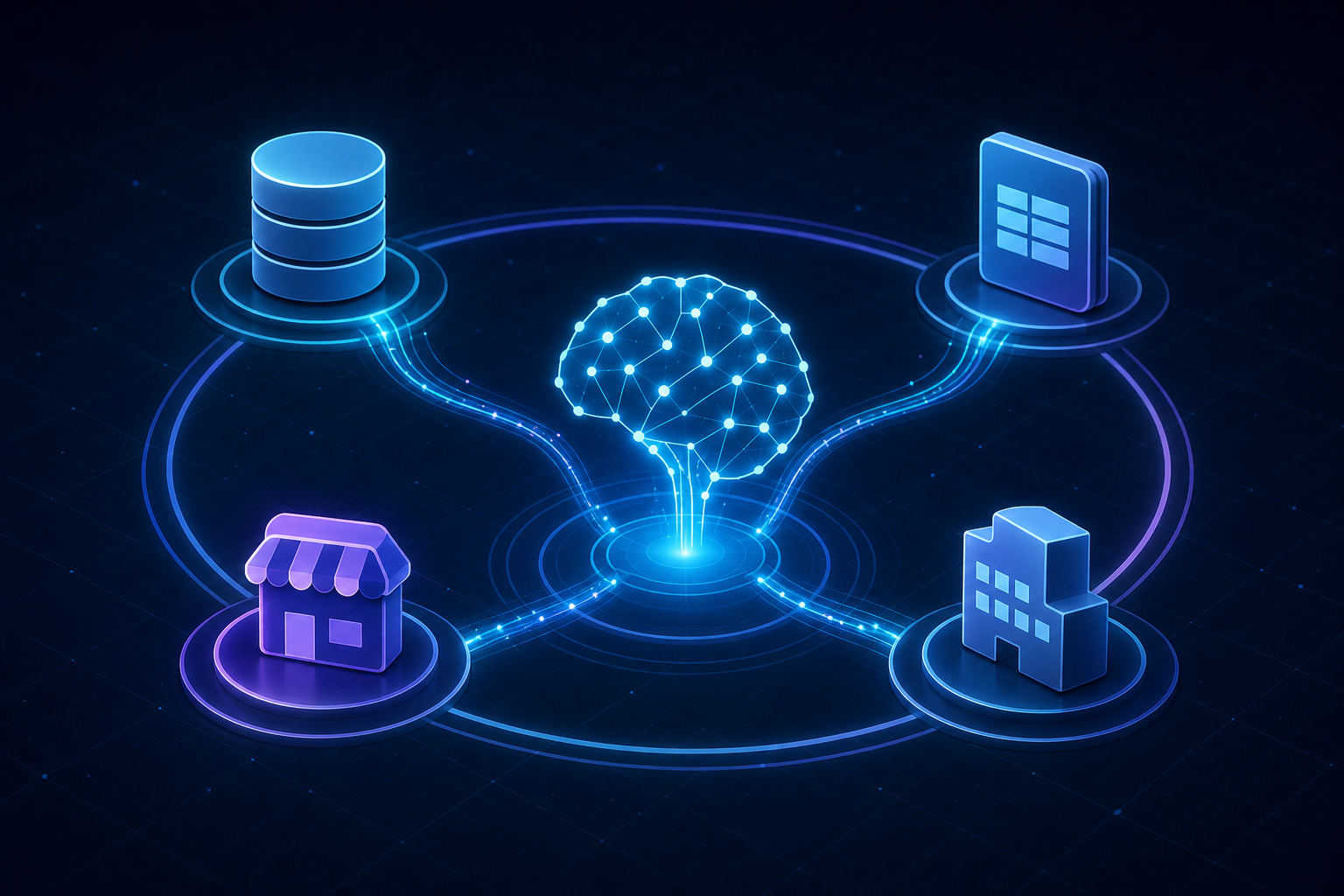
There are four main ways agents get access to external systems, each with different tradeoffs.
| Method | How It Works | Best For | Key Tradeoff |
|---|---|---|---|
| Direct API Calls | Agent queries a REST or GraphQL endpoint in real time | Flexible, real-time data access | You own auth, rate limiting, and error handling |
| Webhooks | External system pushes events to your agent when something changes | Reacting to real-time updates | Can't pull historical context on demand |
| SDKs | Pre-built libraries that wrap API complexity | Faster initial setup | Still managing credentials and data shaping yourself |
| MCP | Open standard (introduced by Anthropic, Nov 2024): each system implements the protocol once; any MCP-compatible agent can use it | Standardized multi-system agent access | Newer standard; ecosystem still maturing |
The first three options have existed for years. MCP is what's shifting the architecture conversation in 2026, moving agent integrations away from bespoke wiring toward something closer to a standard interface.
What MCP Changes for Product Teams
Before MCP, the integration math was brutal. Ten AI models talking to ten business systems meant up to 100 custom connectors, each with its own auth flow, error handling, and maintenance burden. MCP collapses that into a linear problem: each AI client implements the protocol once, each tool implements it once, and they interoperate. That's a meaningful shift across iPaaS integration platforms that have historically required bespoke wiring. According to Synvestable's enterprise implementation guide, 28% of Fortune 500 companies had already deployed MCP in production within 18 months of its release.
For product teams, this moves the decision from "how do we wire each agent to each system" to "do we expose our product via MCP, and when." That's a product architecture question, and deferring it is itself a choice with compounding costs.
The Role of RAG in Grounding Agent Responses
RAG is how you stop an agent from confidently making things up about your business. Instead of relying solely on training data, the agent queries a retrieval layer first, pulls relevant records or documents, then passes that context to the LLM before generating a response.
The difference from a web search tool is architectural. A search tool does a one-time lookup. RAG is a pipeline: retrieve, augment, generate. The retrieval step is scoped to your data sources, not the open internet, so the agent answers based on your customer's actual QuickBooks records or Salesforce pipeline instead of a generalized guess.
Integrations are the prerequisite here. RAG only works if the retrieval layer has something real to pull from, which means your agent needs live, structured access to the systems where business data actually lives.
Integration Patterns for Multi-Tenant SaaS Products
Multi-tenant SaaS adds a dimension that single-tenant architectures skip entirely. Every customer has their own QuickBooks, their own Salesforce, their own data. Your agent can't query a shared credential and call it done. It needs to act on behalf of the right tenant, every time, with no data bleeding between accounts.
The core patterns break down like this:
- Per-tenant auth storage: each tenant's OAuth tokens are stored and scoped independently. When an agent runs, it authenticates as that tenant, not as your application. This matters when tenants are connecting systems like QuickBooks with distinct credential scopes.
- Scoped data access: queries are bounded to what that tenant has connected. If one customer has linked Shopify and another hasn't, the agent for the second customer simply doesn't have Shopify tools available.
- Tenant-aware orchestration: job scheduling, sync state, and error handling all track at the tenant level, so one customer's failed sync doesn't pollute another's.
The architectural fork that matters most is whether integration lives inside your product or outside it. An external integration layer means your agent has to cross a trust boundary every time it fetches data, adding latency and auth complexity. Embedding the integration layer inside your product keeps tenant context native to the request, which is both faster and easier to govern.
For AI agents, MCP helps here. A per-tenant MCP token can expose only the tools that tenant has linked, so the agent's available actions are already scoped before it reasons about what to do next.
Common Challenges When Integrating AI Agents
According to Forrester and Anaconda 2026 data, 88% of agent pilots never reach production, with schema drift, rate limiting, and auth management as leading integration-layer contributors. The integration layer contributes to all three.
The problems teams actually hit:
- Schema drift: third-party APIs change field names, deprecate endpoints, or alter response structures without warning, and your agent breaks silently.
- Rate limiting: agents make more API calls than traditional sync jobs, often in bursts, and without managed rate limiting, errors cascade.
- Auth token management at scale: one tenant's expired OAuth token is a support ticket; a thousand expired tokens is a production incident.
- Data compatibility: mapping "customer" in Salesforce to "client" in QuickBooks sounds trivial until you're doing it across 50 connectors and hundreds of tenants.
- Monitoring gaps: agent-triggered data fetches that return stale or partial results often fail quietly, and you find out when a customer complains.
None of these are unsolvable, but they compound fast when you're building the integration layer alongside the agent logic itself.
Security Considerations for Agent-Connected Systems
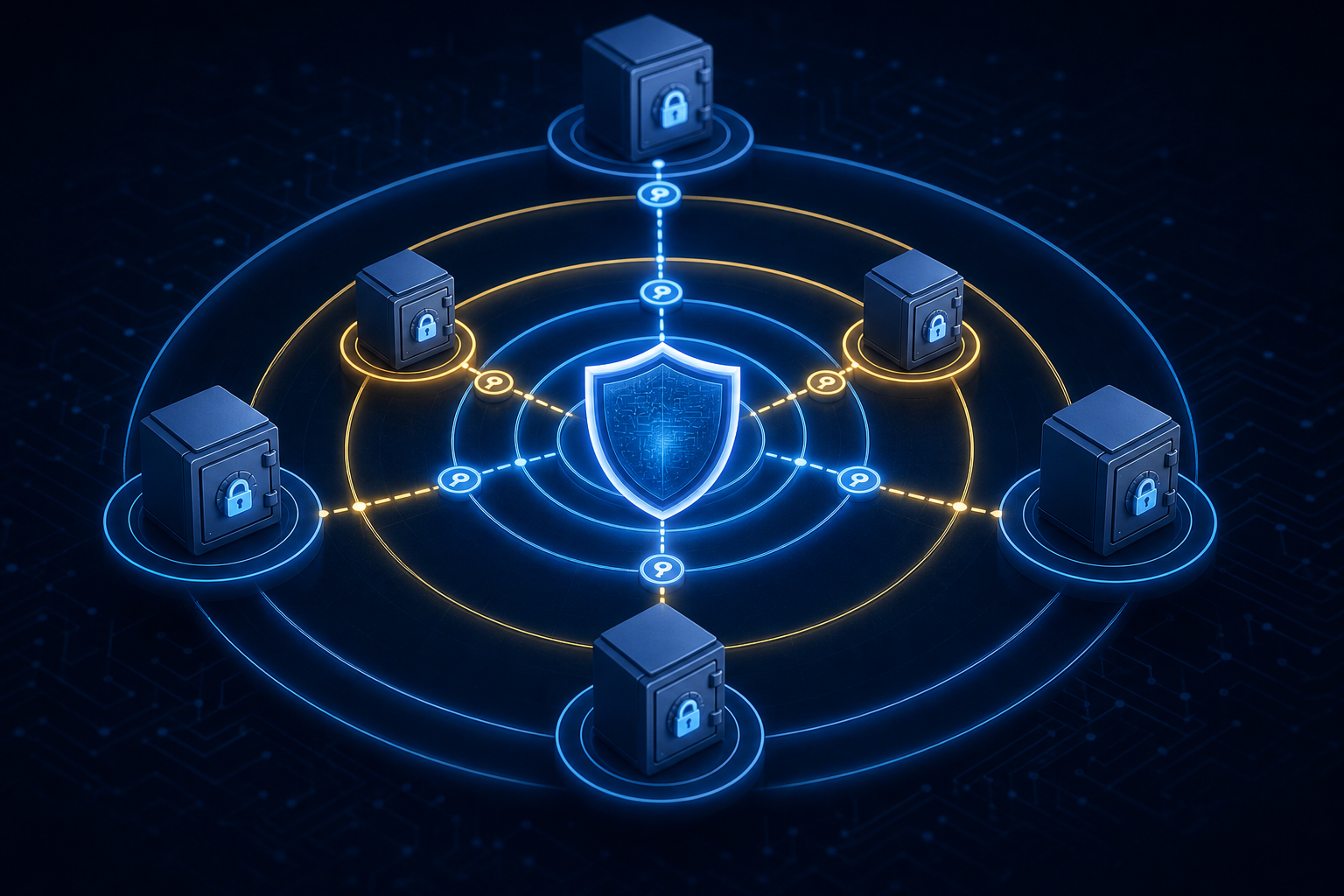
Agent access to live business systems is a different security problem than user access. A user clicks a button. An agent can issue hundreds of API calls in seconds, across systems, without any human in the loop. The blast radius of a misconfigured permission is orders of magnitude larger.
A few principles that matter in practice:
- Least-privilege scoping: an agent should only see the tools its current task requires. If a customer's QuickBooks is connected but the agent is running a Salesforce report, QuickBooks shouldn't be in scope.
- Read vs. write separation: exposing read tools by default and requiring explicit configuration to unlock write actions catches a large class of mistakes before they touch production data.
- Per-tenant token isolation: each customer's OAuth credentials must be scoped so one tenant's agent session cannot touch another's data. This sounds obvious until you see it implemented wrong at scale.
- Audit trails for agent actions: unlike a user action tied to a login event, agent-triggered writes can be nearly invisible without explicit logging. Every tool call should be attributable to a tenant, a session, and a timestamp.
Visibility into a tool doesn't mean the agent should call it autonomously. Product teams building agentic features need approval gates for destructive or irreversible actions, regardless of how confident the model is.
How Embedded iPaaS Changes the Integration Equation for AI
Product teams connecting AI agents to business systems generally have three paths available to them.
- Custom connectors give you full control, but you own every API change, every new system, and every tenant's credential management. That debt compounds fast, which is why many teams look into Workato alternatives for SaaS embedding.
- Unified API abstraction offers a single interface across similar systems (e.g., all CRMs through one schema). Fast to start, but the abstraction can hide connector-specific quirks, a well-documented problem with unified APIs for CRM integrations, that matter when tenants have unusual configurations.
- An embedded iPaaS solution puts an integration layer inside your product that handles auth and sync per tenant, giving agents access to connected systems without re-engineering the credential layer each time you add a connector.
The embedded model earns its keep in multi-tenant SaaS contexts. Tenant-scoped auth, job-level health monitoring, and per-connector scheduling are already solved, so your agent layer inherits them without rebuilding them. The tradeoff is less low-level control than fully custom connectors, but for most product teams, that's the right exchange.
For agent-specific workflows, the embedded iPaaS layer also maps cleanly to MCP: each tenant's connected systems become available tools, scoped to that tenant's credentials, and support bi-directional integrations without exposing the broader connector catalog to every agent session.
How hotglue Connects AI Agents to Customer Business Systems
hotglue's Composite MCP endpoint lets you skip rebuilding your integration layer just to support agent access.
Each tenant gets a single authenticated MCP gateway at https://mcp.hotglue.com/mcp. The tools available through that gateway are scoped to whatever connectors that tenant has already linked. Connect QuickBooks Online and Salesforce, and those tools are available. Skip NetSuite, and it simply isn't there. No re-authentication required, no extra credential management.
The connectors powering your scheduled data syncs are the same ones powering agent tool calls. A team shipping an agentic feature on top of hotglue's embedded iPaaS inherits tenant-scoped auth, rate limit handling, and job-level monitoring without writing any of it from scratch. hotglue processes and delivers data without storing it, keeping the security posture clean across live customer systems like HubSpot, NetSuite, Shopify, or Sage 300.
At 38,000+ active tenants and roughly 10 billion records processed weekly, the infrastructure is already running at the scale agentic workflows demand.
Final Thoughts on Making AI Agent Integration Work at Scale
AI agents are only as useful as the data they can reach, and reaching that data safely across hundreds of tenants is a real engineering problem. The patterns covered here — MCP, RAG, scoped auth, embedded iPaaS — give you a solid foundation to build from. hotglue is the only embedded iPaaS purpose-built for this: native MCP support, per-tenant OAuth scoping, rate limit handling, and 10 billion records processed weekly, all out of the box. You don't have to figure all of it out at once, but most teams building agentic features on hotglue ship their first connector in days, not quarters. Book a demo and we'll walk through how this looks for your specific setup.
FAQ
What embedded iPaaS platforms support AI agent and MCP authentication workflows?
hotglue is one of the few embedded iPaaS providers with native MCP support built into its integration layer. Each tenant gets a scoped MCP gateway at https://mcp.hotglue.com/mcp that exposes only the tools that tenant has already connected, so agents inherit per-tenant auth without any extra credential management on your end.
How do I let my SaaS customers connect their own ERP without my engineering team building each connector?
An embedded iPaaS like hotglue handles per-tenant OAuth storage, sync scheduling, and connector maintenance across systems like NetSuite, QuickBooks Online, and Sage 300, so your engineers are not rebuilding auth flows and fielding API deprecation notices every quarter. Your customers connect their own ERP through a widget or Magic Link in your product, and hotglue manages the rest.
When should a product team use RAG versus direct API calls to give an AI agent access to business data?
Use direct API calls when your agent needs a single, structured record in real time, for example checking one customer's open invoices in QuickBooks. RAG makes more sense when the agent needs to pull and synthesize context across multiple records or documents before generating a response, since the retrieve-augment-generate pipeline scopes retrieval directly to your data sources.
What is the fastest way to ship a NetSuite integration for a B2B SaaS product?
Starting with an embedded iPaaS that already has a production NetSuite connector is faster than building from scratch, since tenant-scoped auth, rate limit handling, and schema mapping are already solved. With hotglue, once sandbox API access is available, a new connector typically goes from test access to live in one to two weeks.
How do multi-tenant SaaS products stop one customer's agent session from accessing another customer's data?
The safest pattern is per-tenant OAuth token isolation, where each customer's credentials are stored and scoped independently so an agent session authenticates as that specific tenant, not as your application. With MCP, you configure this at the token level: when issuing a per-tenant MCP token, bind it to only the connectors that tenant has authorized, so tool availability is enforced at the gateway before the agent ever reasons about what to call.