So your customers are asking for a NetSuite integration. Maybe it's already on the roadmap. Maybe it's already blocking a deal. Either way, before your team kicks off a build, it's worth knowing what you're actually signing up for. The gap between "we'll wire up the API" and "this works reliably across every customer's instance" is where most product teams lose a quarter.
TLDR:
- NetSuite runs on OAuth 1.0a and three separate API surfaces: what looks like 2 weeks of work routinely takes a quarter
- Custom NetSuite integration projects frequently exceed $50,000, and that number grows with every API update and customer instance
- Rate limits, schema drift, and partial sync failures are the three ways production integrations quietly fall apart post-launch
- No two NetSuite accounts are identical; instance variability across customers turns one integration into many maintenance contracts
- hotglue embeds directly in your product as an ETL layer with an open-source NetSuite connector that handles per-customer schema variations
What Is NetSuite Integration and Why Does It Matter
NetSuite integration means connecting NetSuite to the other tools in your customers' stacks (Salesforce, Shopify, HubSpot, Stripe, ADP, and dozens more) so data moves automatically without anyone exporting a CSV at 9 PM. (We won't pretend that person wasn't you.)
NetSuite is used by 43,000+ companies across 219 countries (Oracle, 2025). If you're building B2B SaaS and selling into the mid-market, odds are a meaningful slice of your prospects run on it. Supporting a NetSuite integration is often a deal requirement, full stop.
When NetSuite talks to your product, customers get a single source of truth across finance, ops, and sales. When it doesn't, someone's manually matching spreadsheets and blaming your product for it.
Why NetSuite Integration Is Harder Than It Looks
Most SaaS APIs follow a predictable pattern: authenticate, call an endpoint, get data back. NetSuite does not follow that pattern.
As one engineering team put it, NetSuite's "final boss" of ERP connectivity, and most teams underestimate it by months. There are at least four distinct integration methods (REST, SOAP/SuiteTalk, SuiteScript RESTlets, and CSV/SFTP), each with capabilities the others lack. Using only one will leave you chasing rate limits, missing metadata, or hitting dead ends that require switching interfaces mid-build.
Authentication alone can derail a sprint. NetSuite relies on OAuth 1.0a Token-Based Authentication, which requires signed request headers with a specific signature base string. If you're used to a Bearer token, expect a rude surprise — and possibly a strongly-worded Slack message to your tech lead.
Then there's the instance problem. Each NetSuite customer has a different account ID, a different subdomain, and potentially a different set of active modules. A query that works in one customer's instance may fail silently in another's because the module powering that record type simply isn't turned on.
What looks like a two-week integration project can easily stretch to a quarter once you account for edge cases, instance-specific behavior, and the ongoing maintenance burden when NetSuite updates its API.
NetSuite's Four Integration Methods Explained
NetSuite offers four distinct ways to connect external systems to its data, and picking the wrong one early will cost you time later.
Here's a quick reference before the details:
| Method | Protocol | Best For |
|---|---|---|
| SuiteTalk REST | REST/JSON | CRUD on standard records |
| SuiteTalk SOAP | SOAP/XML | Legacy integrations; complex record types |
| SuiteScript RESTlets | Server-side JS | Custom logic, unsupported record types |
| CSV/SFTP Import | Flat file | Bulk data loads, non-technical workflows |
The REST web services are the starting point for most new integrations, supporting standard CRUD operations and metadata queries. They're cleaner than SOAP, but still require OAuth 1.0a and account-specific subdomains, so "modern REST API" shouldn't be taken too literally.
SOAP via SuiteTalk covers more record types and has been around longer. If you're syncing something obscure like a custom transaction type or a legacy module, SOAP may be your only option, at the cost of verbose XML payloads and steeper parsing overhead.
RESTlets are server-side SuiteScript functions running inside NetSuite itself, useful when REST and SOAP can't express the logic you need. The catch: they require SuiteScript knowledge and count against your execution governance limits.
CSV and SFTP imports handle bulk operations where API overhead doesn't make sense, common in finance workflows like month-end journal entries or bulk inventory updates.
The Most Common NetSuite Integration Use Cases
The integration requests that show up repeatedly on product roadmaps tend to cluster around a handful of systems. Here's where teams spend most of their time:
- Salesforce to NetSuite: The classic quote-to-cash flow. Sales closes a deal in Salesforce; that data needs to become a sales order, invoice, and customer record in NetSuite without anyone re-entering it. Field mapping between CRM objects and ERP records is where most of the friction lives.
- HubSpot to NetSuite: Similar in spirit, but HubSpot customers often need marketing touchpoints tied to financial outcomes. Syncing contacts, deals, and invoices bidirectionally so finance and marketing see the same numbers.
- Shopify to NetSuite: Order data, inventory levels, refunds, and fulfillment status flowing between a storefront and an ERP. The complication is volume: Shopify stores can generate thousands of orders daily, and NetSuite's rate limits do not care about your flash sale.
- ADP and Workday to NetSuite: Payroll journal entries hitting the general ledger, headcount data syncing with financial planning. HR-to-ERP flows are often less glamorous than CRM sync but just as important to finance teams closing the books.
Each of these involves mapping fields across systems that were never designed to talk to each other, handling records that exist on one side but not the other, and keeping things current as both APIs evolve.
How NetSuite Integration Typically Breaks Down
Post-launch is where most NetSuite integrations quietly start falling apart.
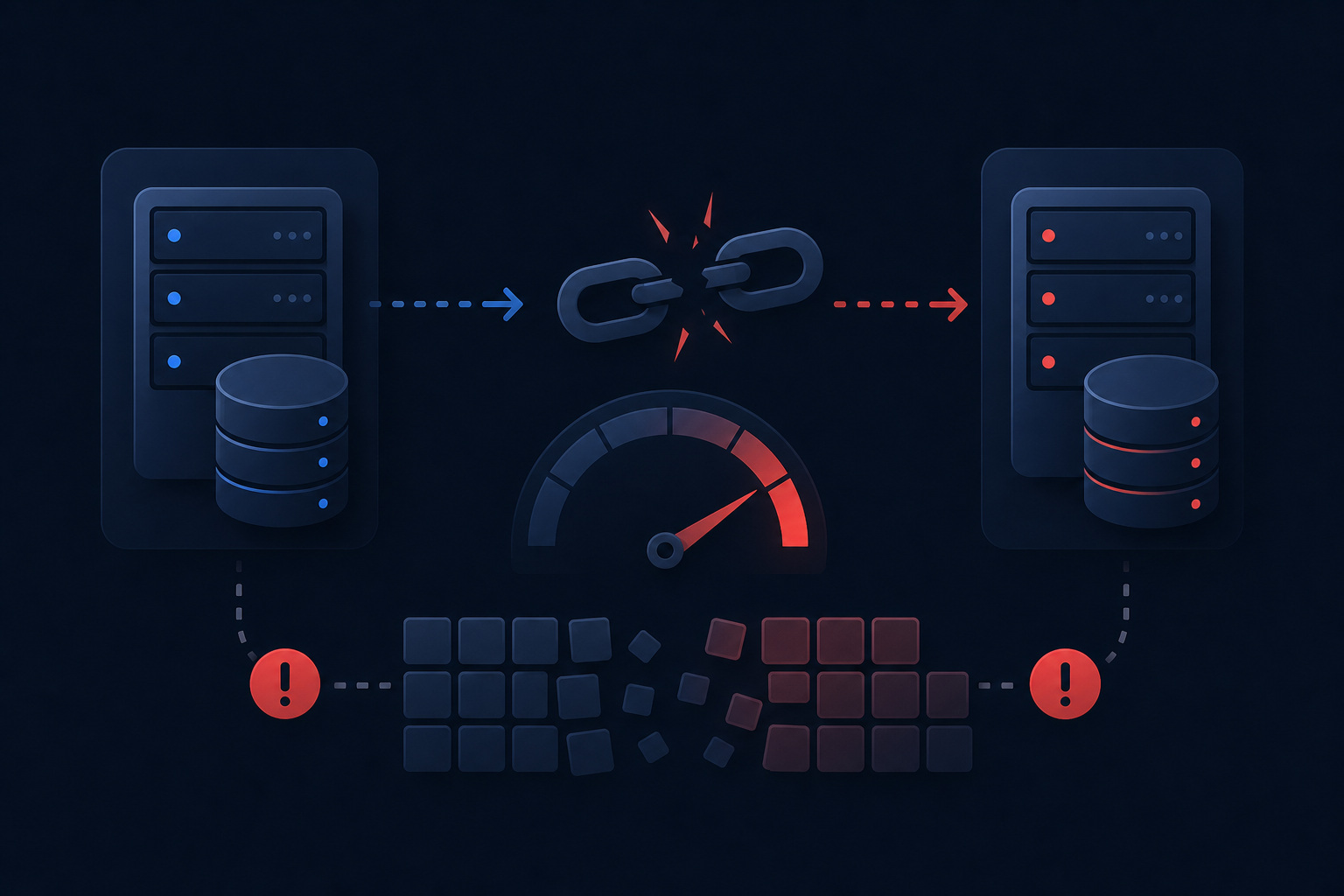
Rate limit throttling is the first thing teams hit at scale. NetSuite enforces concurrency and request-per-hour limits that vary by account tier, and they're not always documented clearly until you've already breached them. A Shopify store running a promotion can trigger enough order syncs to saturate your NetSuite API budget for the hour.
Schema drift is the slower killer. When a customer upgrades their NetSuite account or activates a new module, field names change, record types appear or disappear, and queries that worked last month start returning errors. Your integration didn't break. Their instance did. But your customers won't see that distinction.
Partial sync failures create the messiest problems. A job that syncs 800 of 1,000 records before hitting a timeout can leave both systems in a state where neither is wrong, but they don't agree. Cleaning that up manually is exactly the kind of work your customers were trying to avoid by integrating in the first place. (Congratulations, you've invented a new type of spreadsheet work.)
The real cost compounds quietly over quarters, not in a single invoice.
Build vs. Buy: How Product Teams Decide
The instinct to build in-house is understandable. Your engineers know your data model, and a custom integration feels like it fits perfectly. For a single internal use case with a stable schema, that logic holds.
If you're a CPO or Head of Partnerships reading this, this decision almost certainly lands on your plate: either because a prospect just made it a deal requirement, or because engineering is already quietly scoping it without a clear owner. Either way, the build-vs-buy call has real downstream consequences for your roadmap capacity and your customer retention.
Customer-facing integrations break that logic fast. When ten customers each run a different NetSuite configuration, your "one integration" becomes ten maintenance contracts. Every instance variation, every module difference, every API update hits you multiplied across your entire customer base.
A few questions worth answering before committing to build:
- How many customers will need this? One is manageable. Ten is a maintenance job.
- Who owns it when NetSuite changes an endpoint? That answer should include a name, not a team.
- What does a partial sync failure look like to your customer, and who handles it at 2 AM?
- How many other connectors are on your roadmap behind this one?
That last question is where the math usually changes. NetSuite rarely arrives alone. Salesforce, Shopify, HubSpot, ADP: the list grows with your customer base. Building each from scratch compounds the maintenance load every quarter. An embedded iPaaS for B2B SaaS lets your team ship connectors once and hand off maintenance.
The hidden cost of in-house integrations is the API endpoint changes, schema drift, and connector rebuilds that consume engineering cycles indefinitely: cycles that could go toward your core product instead.
Choosing a NetSuite Integration Approach: Key Criteria
Four criteria separate integrations that hold up at scale from ones that quietly become someone's full-time job.
Sync frequency and data volume matter more than most teams expect. A nightly batch of 500 invoices has different requirements than a Shopify store pushing thousands of orders in real time. NetSuite's rate limits are account-tier-specific, so what works in a dev environment may not survive a customer's production load.
Total cost of ownership extends well beyond the initial build. Factor in schema drift, API version changes, instance-specific quirks, and who owns incident response. If the answer is "our engineers," account for that cost accurately.
Instance variability across your customer base is the hidden killer. No two NetSuite accounts are identical. Customers activate different modules, use custom fields, and configure records differently. An approach that adapts queries dynamically to each customer's instance will outlast one hardcoded to a single schema.
Vendor support and upgrade resilience round out the picture. When NetSuite updates an endpoint or changes an authentication requirement, something downstream breaks. The question is whether your integration approach gives you visibility into that quickly, or whether you find out when a customer files a support ticket.
EDI Integration with NetSuite
EDI integration with NetSuite sits in a separate category from the API-based approaches covered above. Where REST and SOAP work with JSON or XML over HTTP, EDI (Electronic Data Interchange) uses structured transaction sets (X12 or EDIFACT formats) exchanged via SFTP, AS2, or VAN networks. The data model, the tooling, and the failure modes are all different.
For SaaS products serving retail, wholesale, or supply chain customers, EDI is table stakes. Trading partners like Walmart, Target, or major 3PLs require EDI compliance as a condition of doing business. Common transaction sets include:
- 850 (Purchase Order): sent by a retailer to initiate a buy
- 856 (Advance Ship Notice): sent before a shipment arrives so the receiver can plan
- 810 (Invoice): the supplier's request for payment tied to a fulfilled order
- 846 (Inventory Inquiry): lets trading partners query available stock levels
Getting these into NetSuite means translating EDI documents into NetSuite records with field-level mapping that accounts for each trading partner's specific requirements. Two retailers sending an 850 will format it differently, and that variance multiplies fast across a customer base.
The practical challenge for product teams is that EDI compliance requires both a translation layer and a reliable delivery mechanism into NetSuite. Building that in-house for one trading partner is feasible. Scaling it across a customer base where every customer has different partners is a different problem entirely.
How hotglue Handles NetSuite Integration for Product Teams
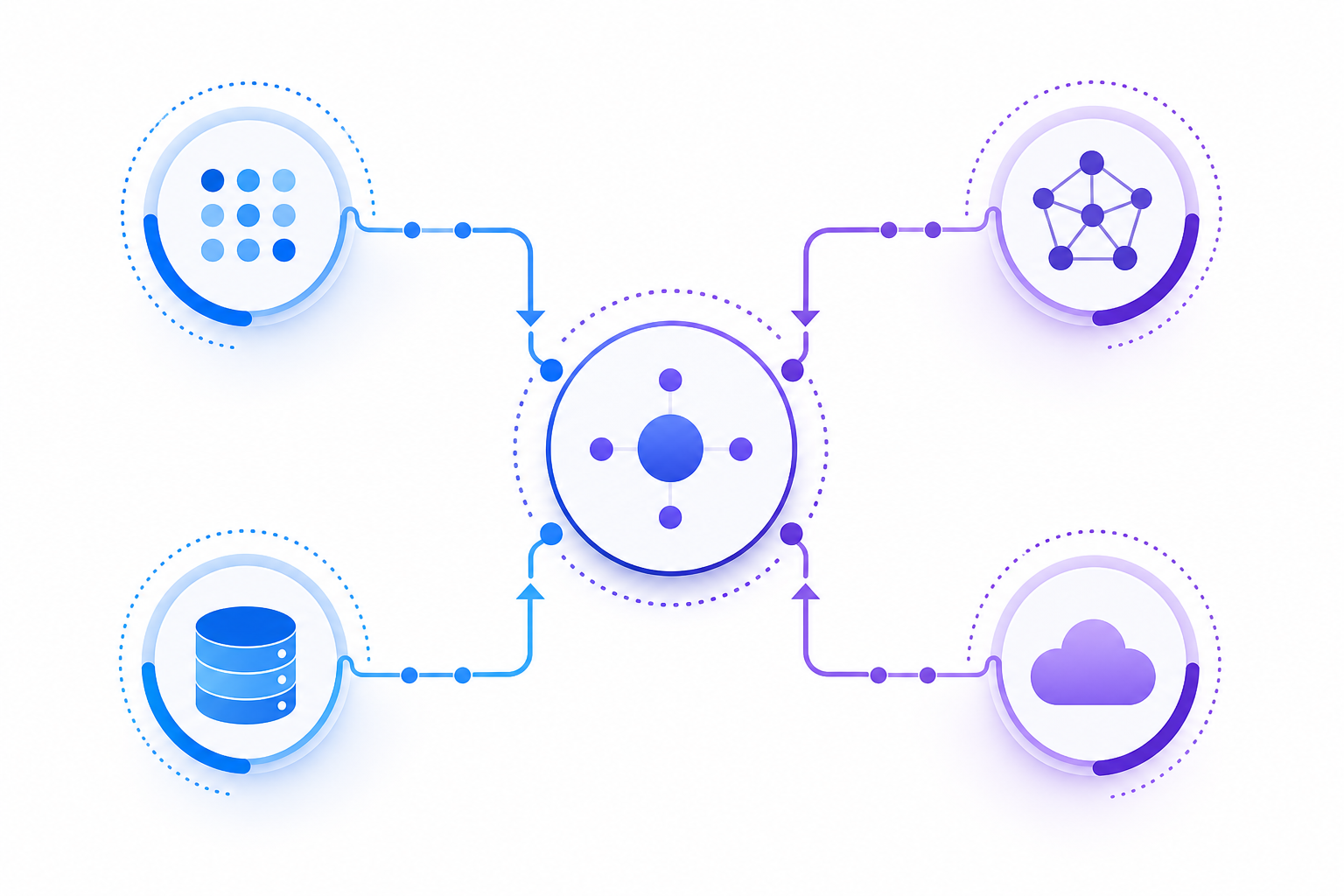
hotglue sits inside your product as an embedded ETL layer, so your customers connect NetSuite from within your app instead of bouncing to an external configuration tool. The NetSuite connector is open-source, meaning your engineering team can read, fork, and extend the connector codebase directly instead of working around a black box.
A few specifics worth knowing:
- The Python-powered transformation layer handles NetSuite's instance-specific schema variations per customer, so one customer's custom fields don't break another customer's sync
- Multi-field record matching and deduplication works out of the box, matching on email, invoice number, or combined fields without custom logic
- Sync scheduling is configurable per connector via cron, so you can sync NetSuite hourly and Shopify every 15 minutes in the same deployment
- hotglue is SOC 2 Type II and GDPR compliant and never retains customer data; it processes and delivers
The scale is real: hotglue processes approximately 10 billion records weekly across 38,000+ active tenants. Tipalti runs bidirectional sync and AP automation at 8B+ records weekly through the same infrastructure. Rillet uses hotglue for Paylocity and Airbase integrations with journal entry automation flowing into their accounting core.
For product teams, the practical outcome is that NetSuite stops being a one-off engineering project and becomes a connector your team can ship, monitor, and expand without owning the maintenance indefinitely.
Final Thoughts on NetSuite Integration Strategy for Product Teams
Getting NetSuite connected is one thing. Keeping it working across dozens of customer instances, API updates, and evolving schemas is the real job. Your team deserves to spend cycles on your product, not on connector upkeep. Book a demo to see how hotglue fits into your existing setup.
FAQ
Should I build a NetSuite integration in-house or use an embedded integration platform like hotglue?
Build in-house if you have one customer, one stable NetSuite configuration, and no other connectors on your roadmap. For most B2B SaaS teams, that's not the reality: ten customers means ten different NetSuite instances, ten sets of custom fields, and ten maintenance contracts the moment Oracle ships an API update. An embedded integration platform like hotglue handles instance-specific schema variations per tenant through a Python-powered transformation layer, so one customer's module configuration does not break another customer's sync, and your engineering team owns the roadmap, not the maintenance queue.
What makes NetSuite REST API integration harder than a typical SaaS API?
NetSuite runs on OAuth 1.0a Token-Based Authentication with signed request headers, which is a marked departure from standard Bearer token flows, and each customer account has its own subdomain and a different set of active modules. Unlike most SaaS APIs, a query that works in one NetSuite instance may fail silently in another because a required module is simply not active for that customer (no error, just missing data). Teams building Salesforce-NetSuite, Shopify-NetSuite, or HubSpot-NetSuite integrations consistently report that the netsuite integration api is a multi-quarter project once instance variability, rate limit throttling, and schema drift are factored in.
Fastest way to ship a customer-facing NetSuite integration without owning the maintenance long-term?
Use an embedded iPaaS with an open-source NetSuite connector, cron-based sync scheduling, and a transformation layer that adapts per tenant, instead of hardcoding field mappings to one customer's schema. hotglue can stand up a new connector in one to two weeks from API access, and because the connector codebase is open-source, your engineers can read and extend it directly instead of working around a black box. That combination means you ship the NetSuite integration platform connection once and expand to Shopify, Salesforce, ADP, or Stripe without rebuilding authentication and error-handling logic from scratch each time.
How do NetSuite EDI integrations differ from API-based NetSuite integrations, and when do I need both?
NetSuite EDI integration uses structured transaction sets (X12 or EDIFACT formats) delivered over SFTP, AS2, or VAN networks (not HTTP endpoints), so the tooling, field mapping logic, and failure modes are entirely separate from the REST or SOAP API approaches. If your customers sell through retailers like Walmart or Target, EDI compliance is a trading partner requirement, not optional, and you will need both an EDI translation layer and a reliable path into NetSuite records to handle 850 purchase orders, 856 advance ship notices, and 810 invoices. The complication for product teams is that each trading partner formats the same transaction set differently, so the netsuite edi integration problem scales with your customers' partner networks, beyond your own connector count.
What does a partial sync failure in a NetSuite integration actually cost, and how should product teams handle it?
A partial sync (say, 800 of 1,000 invoices written before a timeout) leaves both systems technically correct but mutually inconsistent, and cleaning up that state manually is the exact problem your customers paid to avoid. hotglue guarantees that a partial sync failure will never silently succeed: the job either delivers all data or fails cleanly and preserves state for retry, so there is no silent half-written state to untangle. The practical implication for product teams is that netsuite api integration reliability is as much about failure handling as it is about successful syncs, and the cost of getting it wrong shows up in customer support tickets, not engineering dashboards.